Designing effective visualizations
Intro to Data Analytics
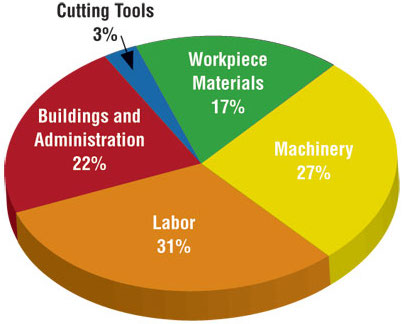
Keep it simple
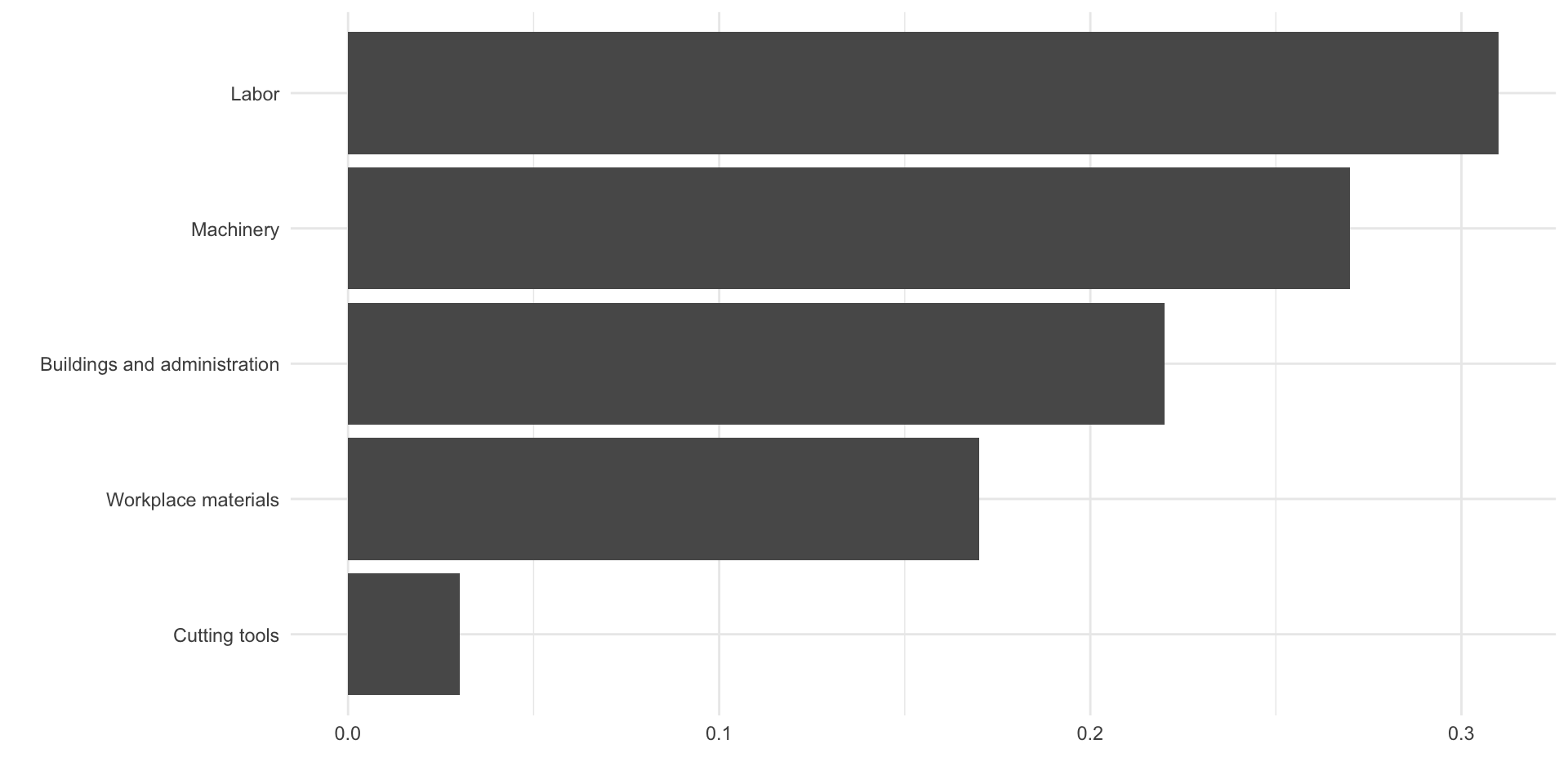
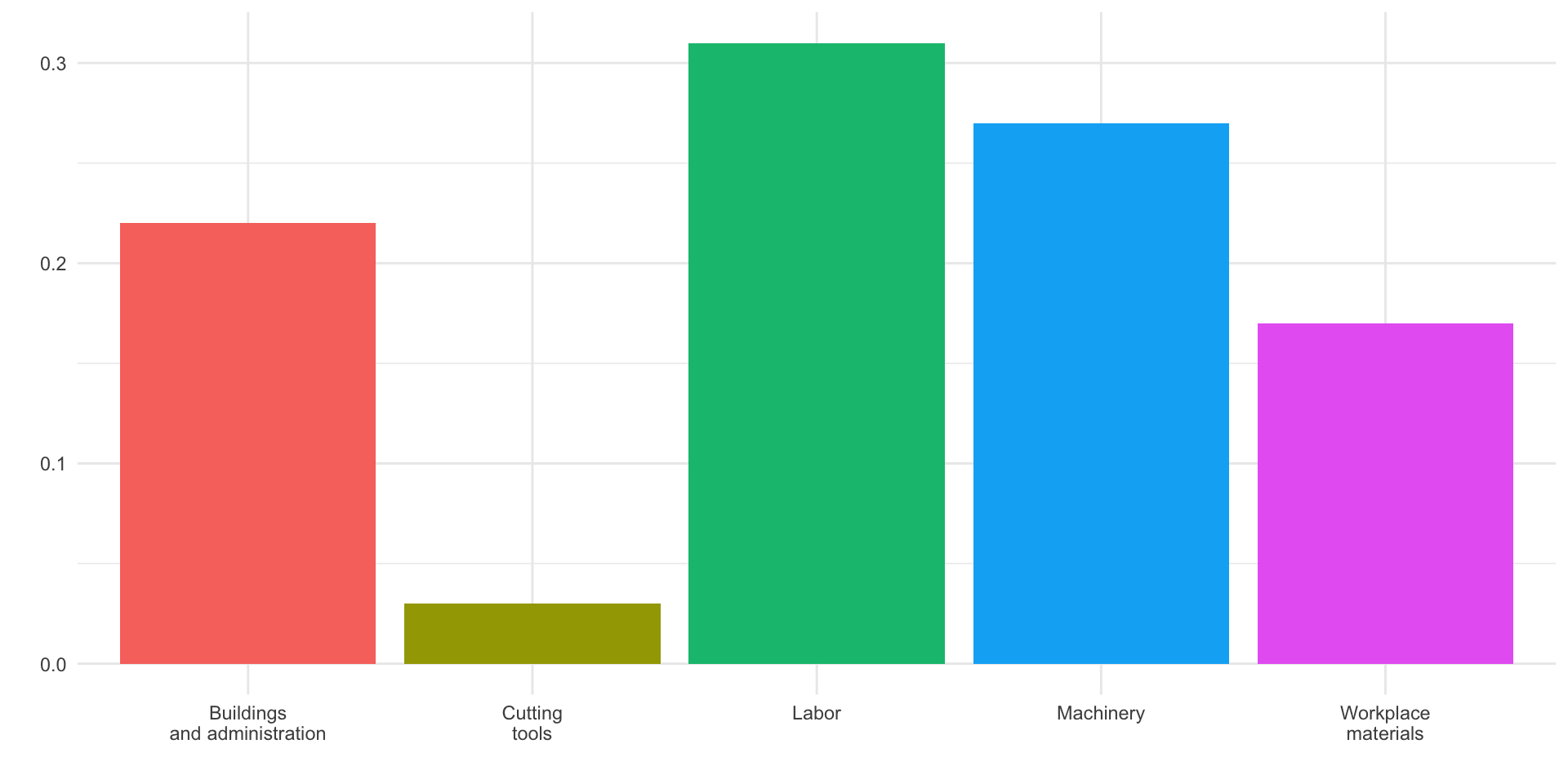
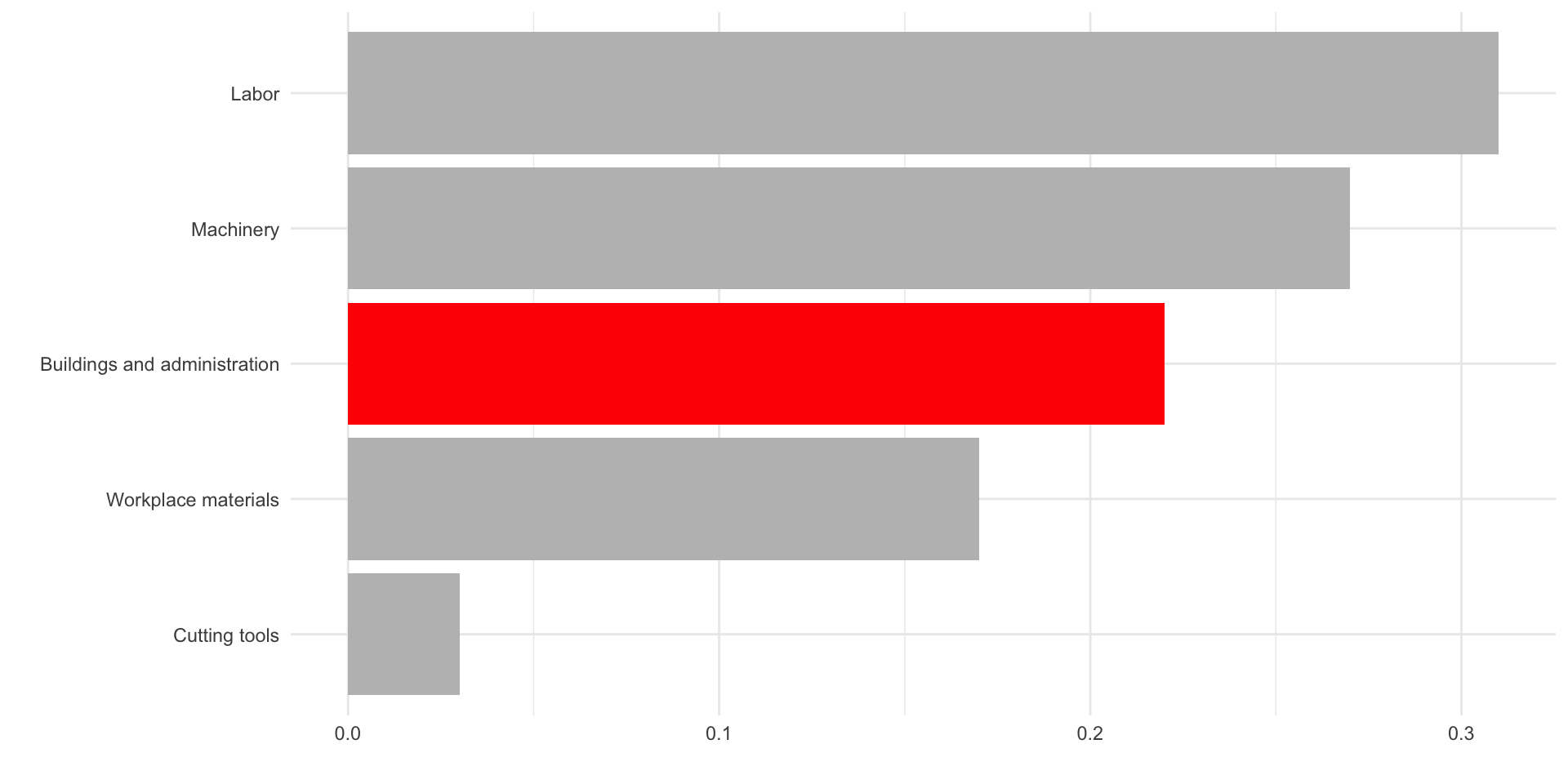
Use color to draw attention
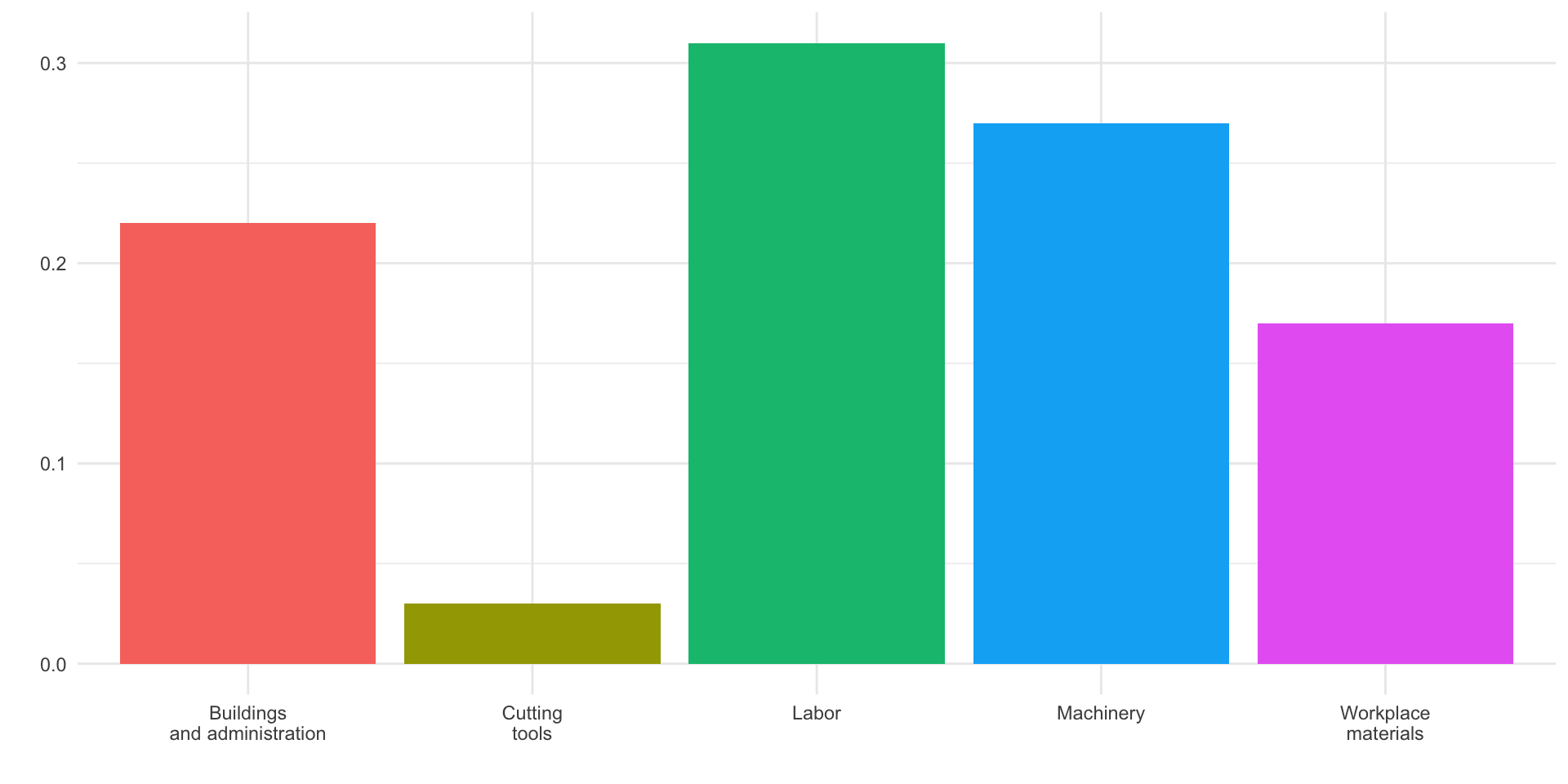
Use color to draw attention
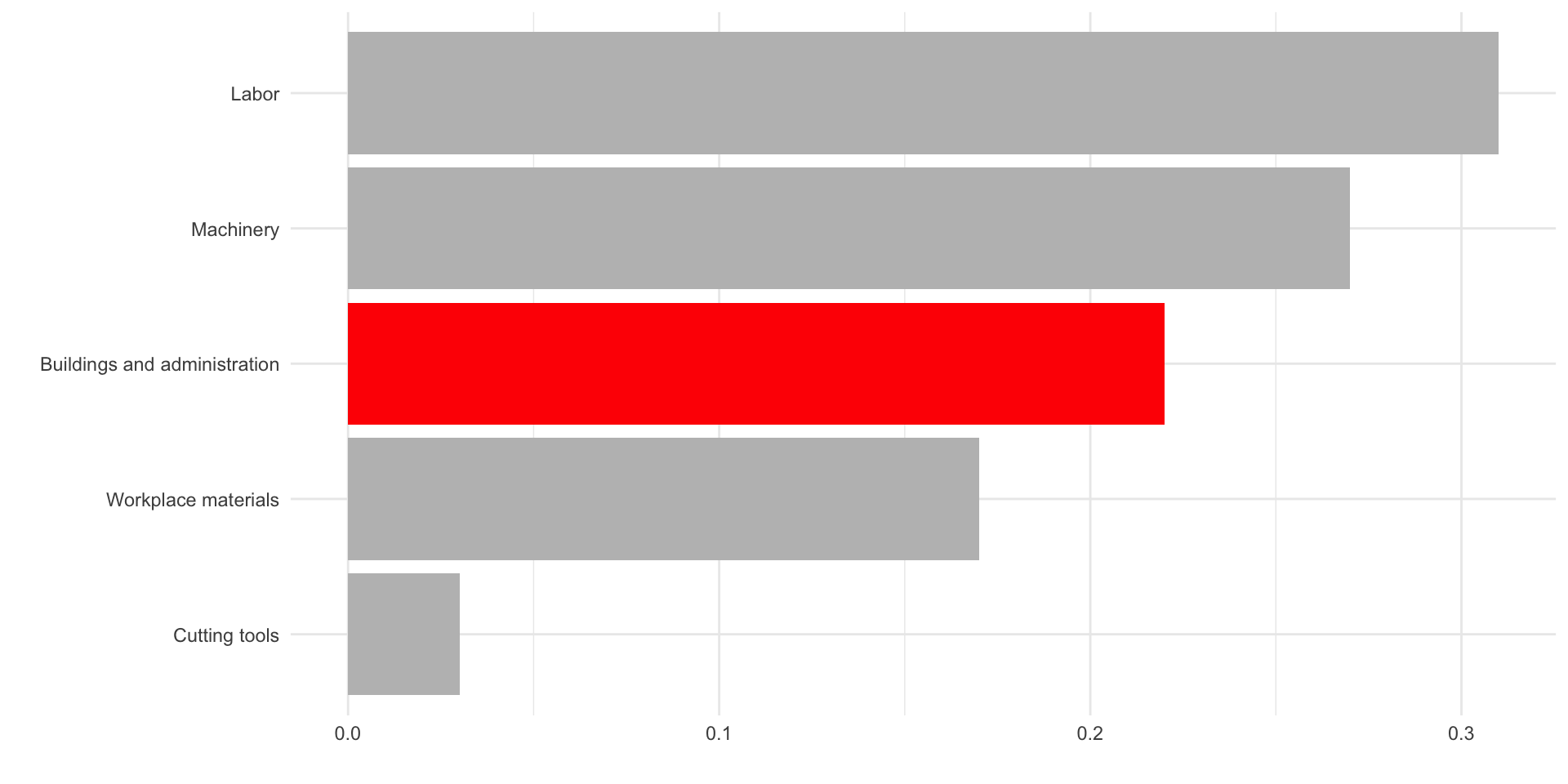
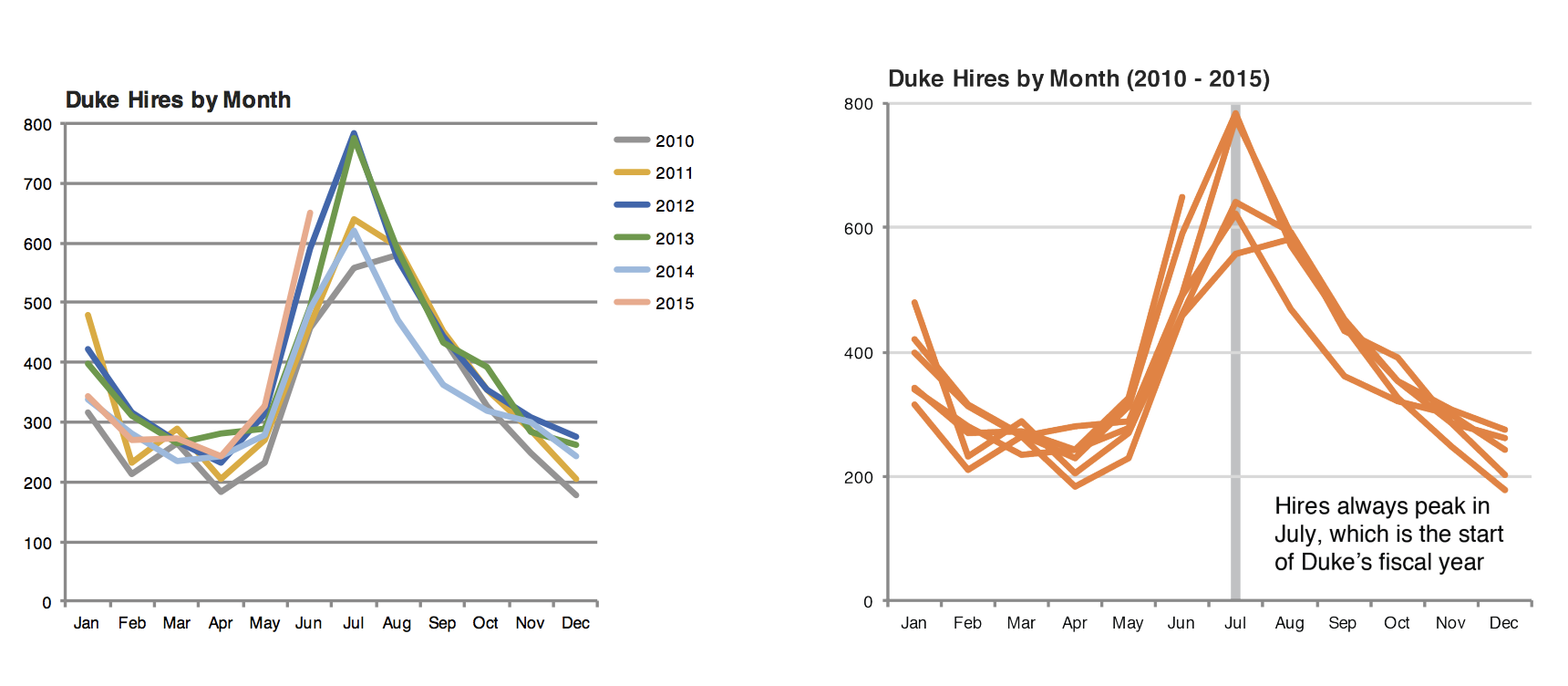
Tell a story
Data
In September 2019, YouGov survey asked 1,639 GB adults the following question:
In hindsight, do you think Britain was right/wrong to vote to leave EU?
- Right to leave
- Wrong to leave
- Don’t know
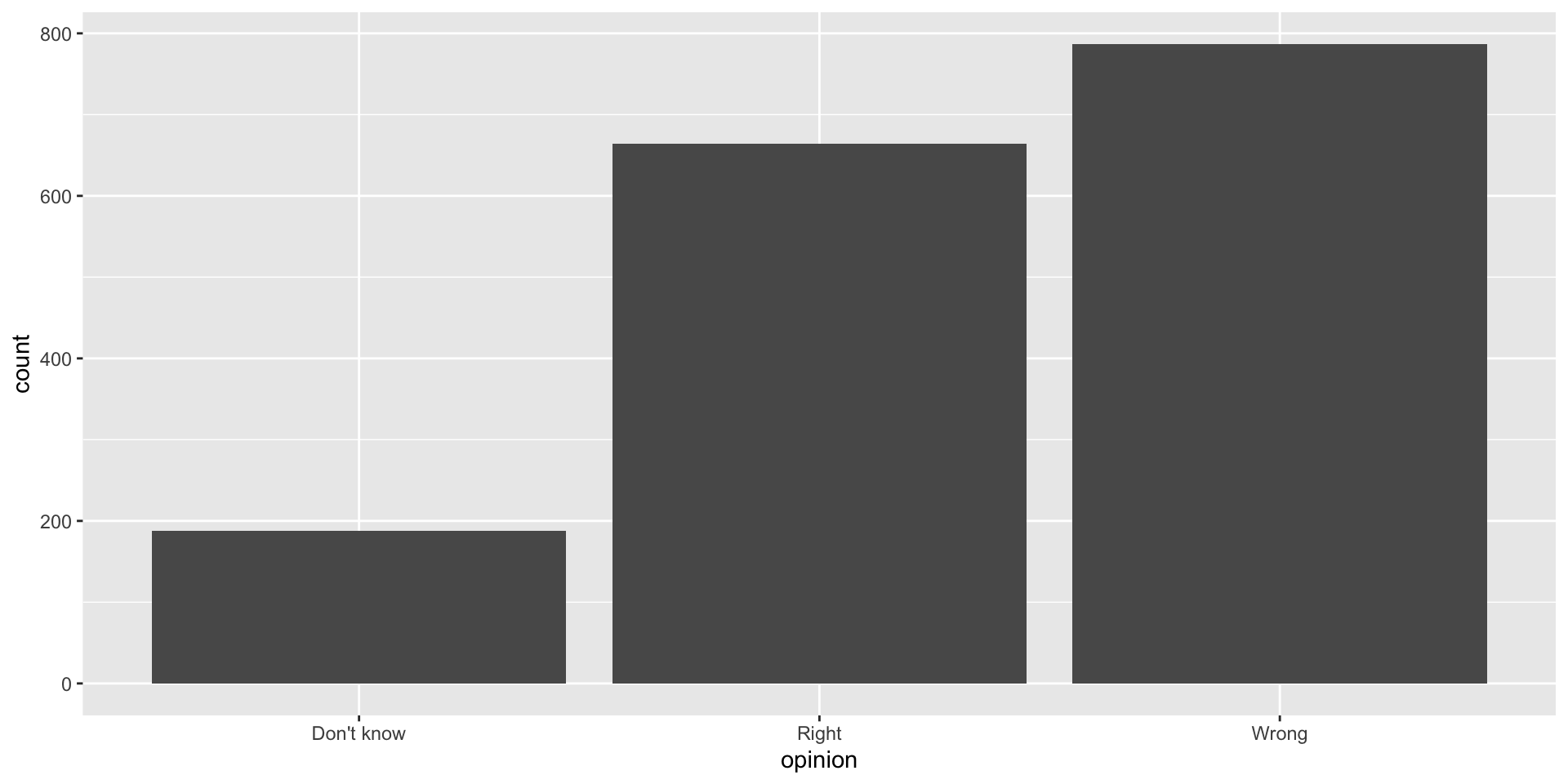
Source: YouGov Survey Results, retrieved Oct 7, 2019
Alphabetical order is rarely ideal
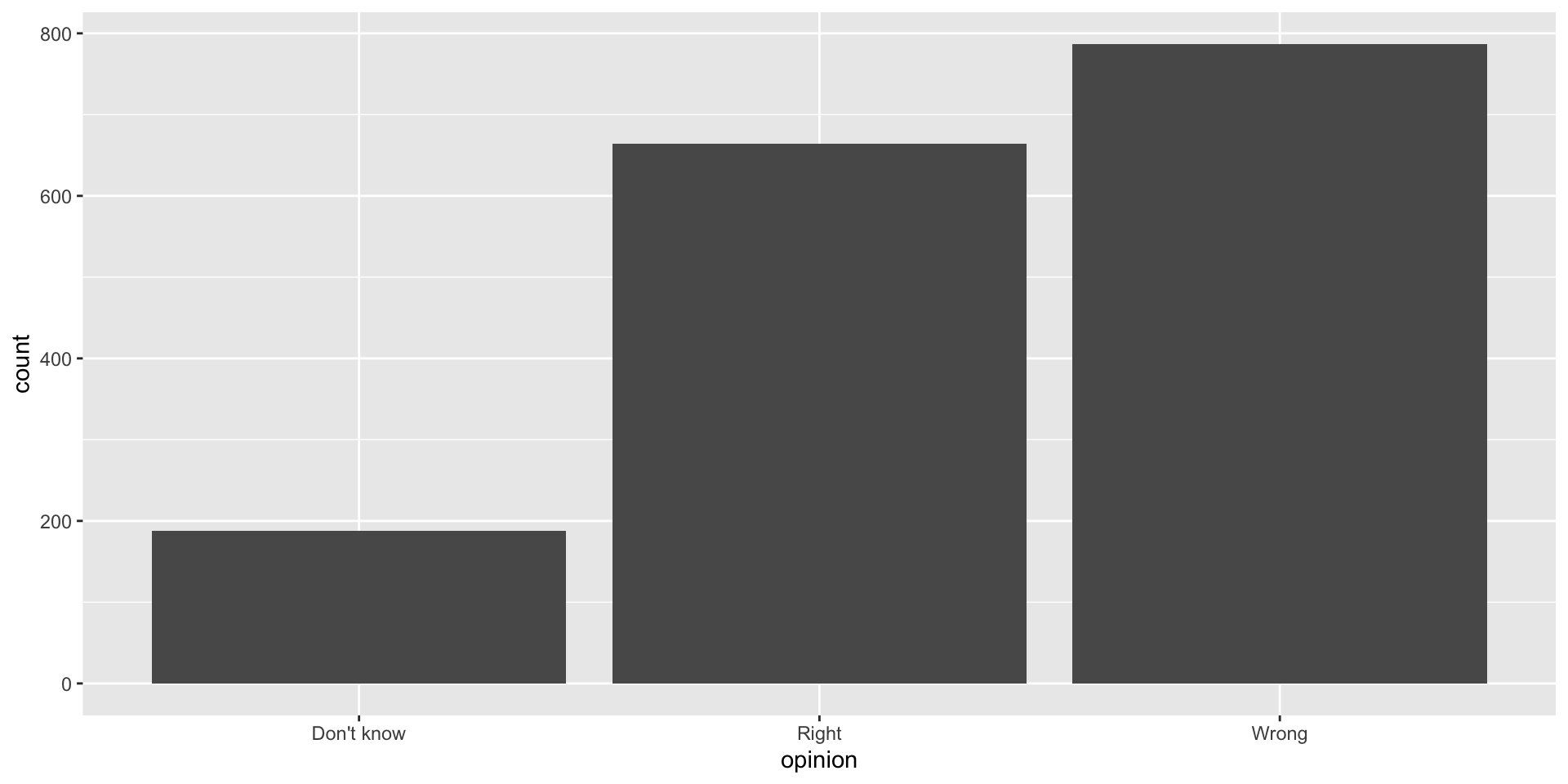
Order by frequency
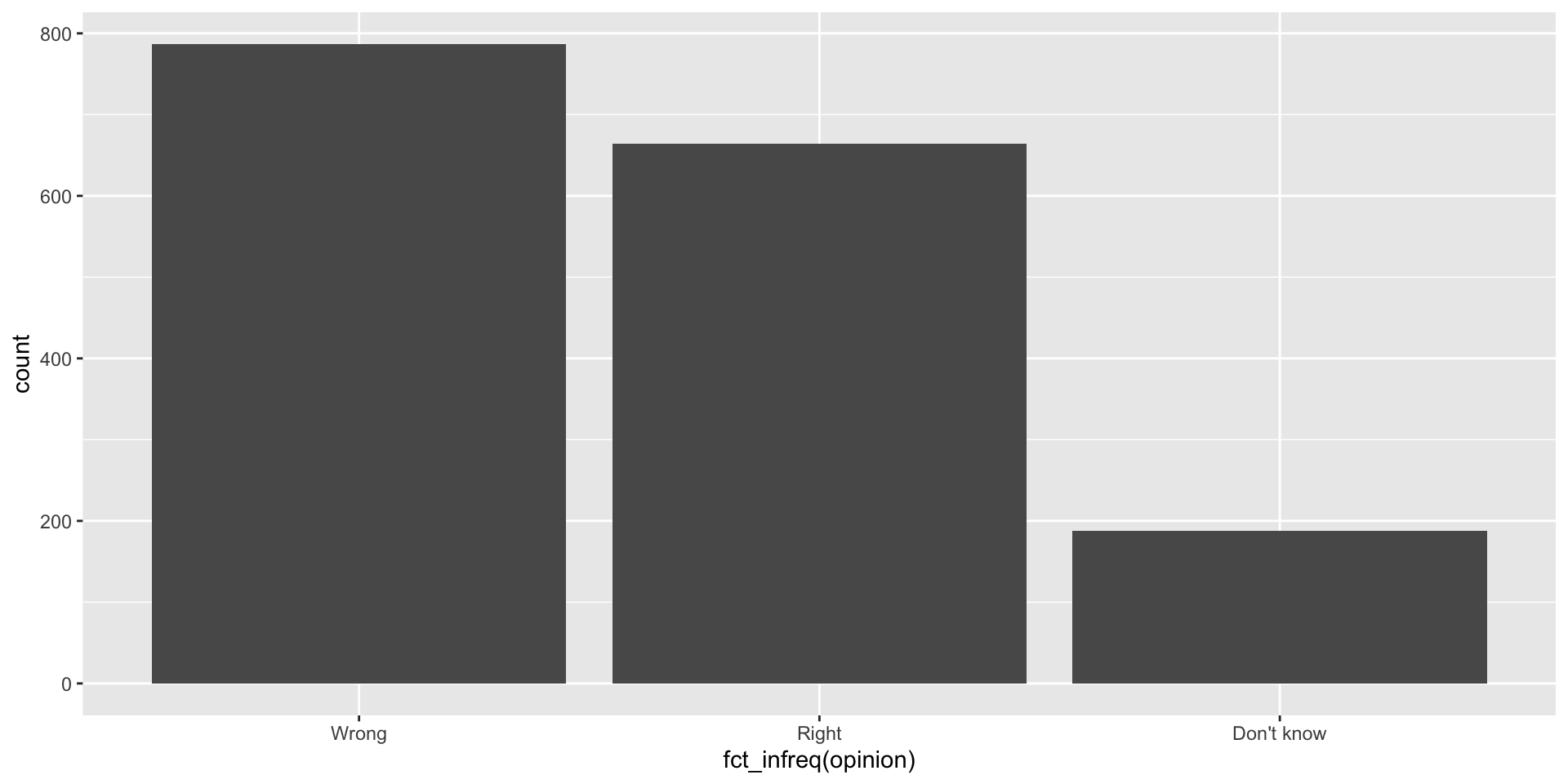
Wrap the opinion variable inside the fct_infreq function and reorder the categories by frequency
Clean up labels
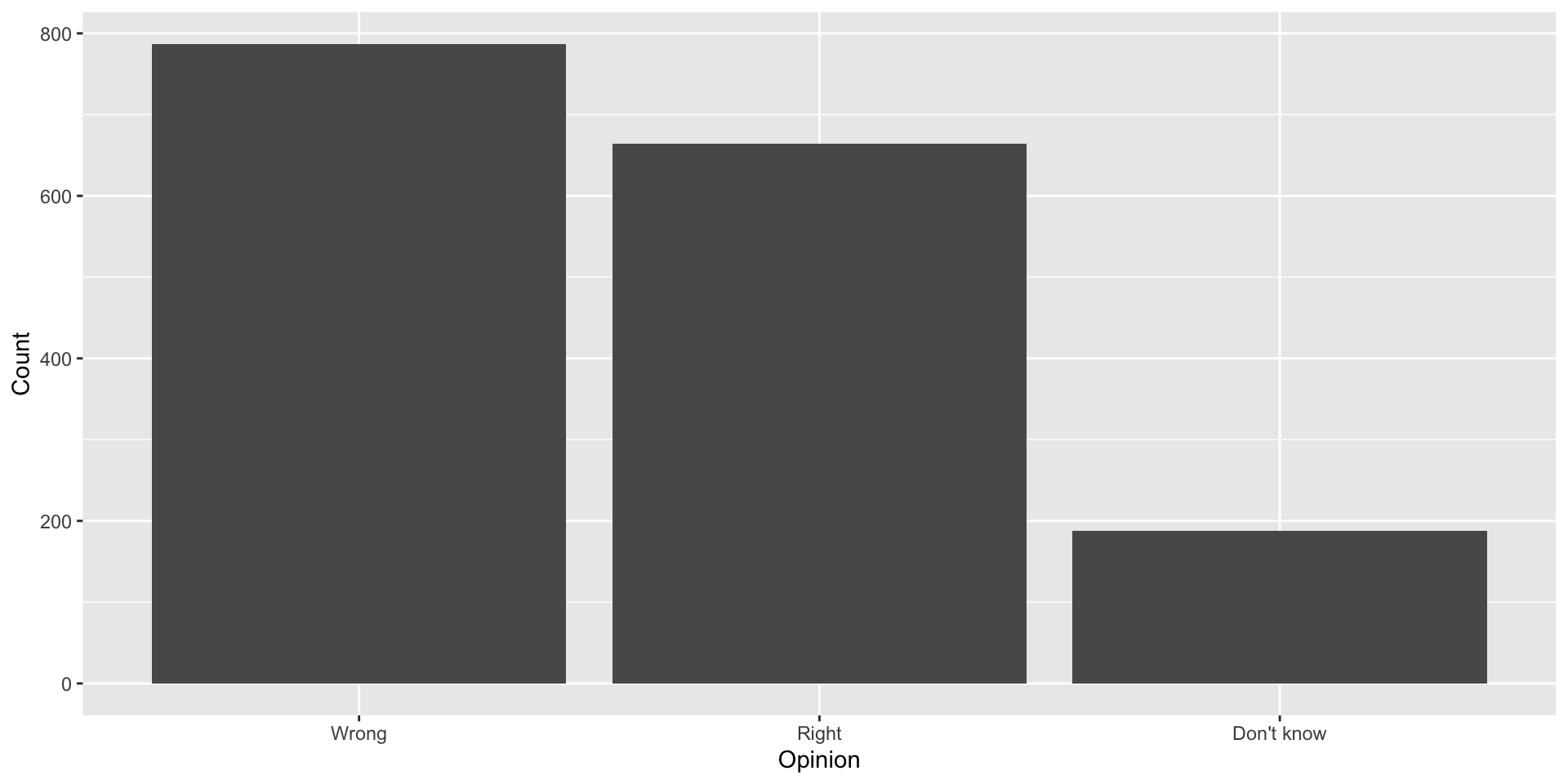
Alphabetical order is rarely ideal
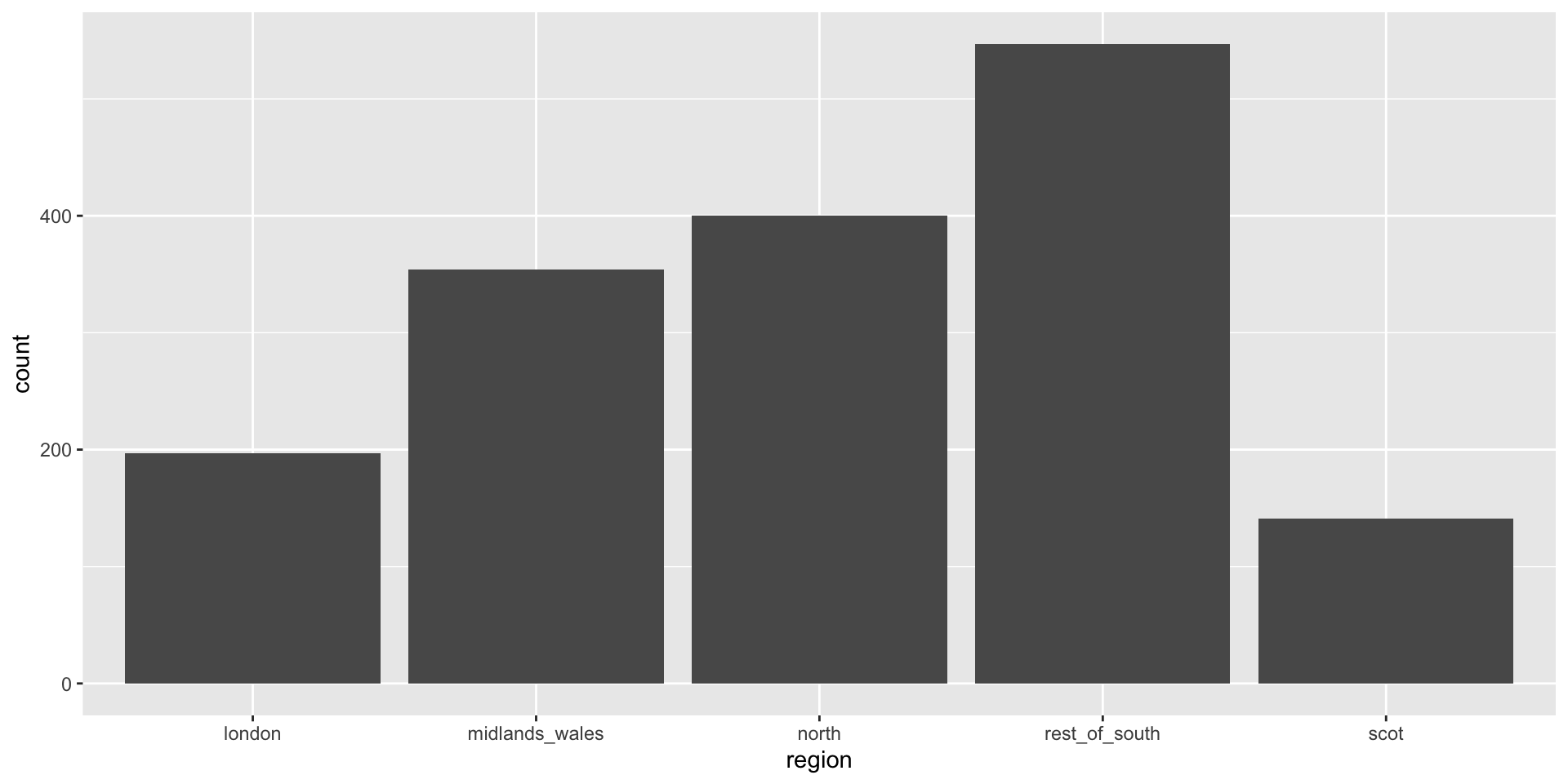
Use inherent level order
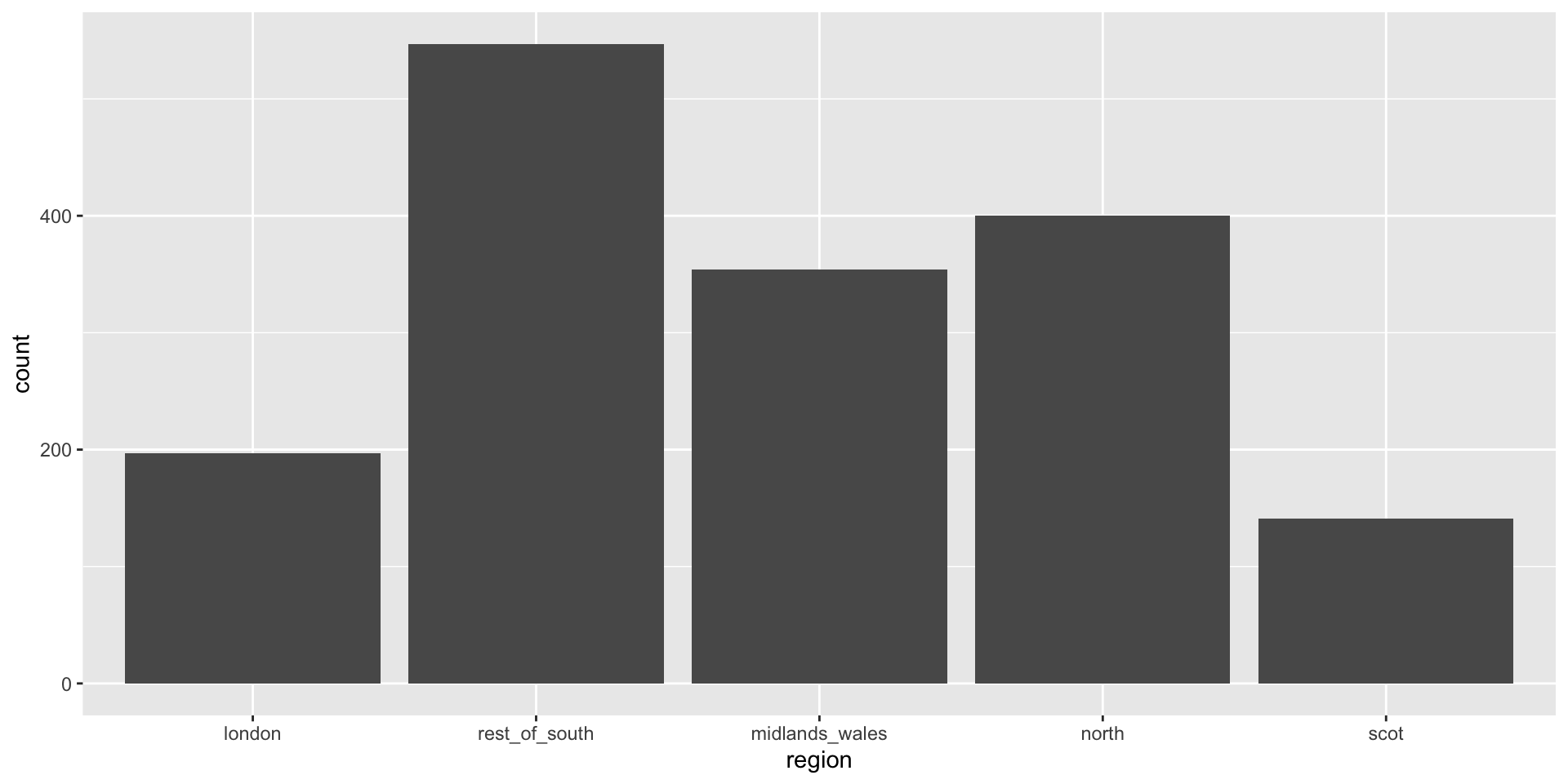
Clean up labels
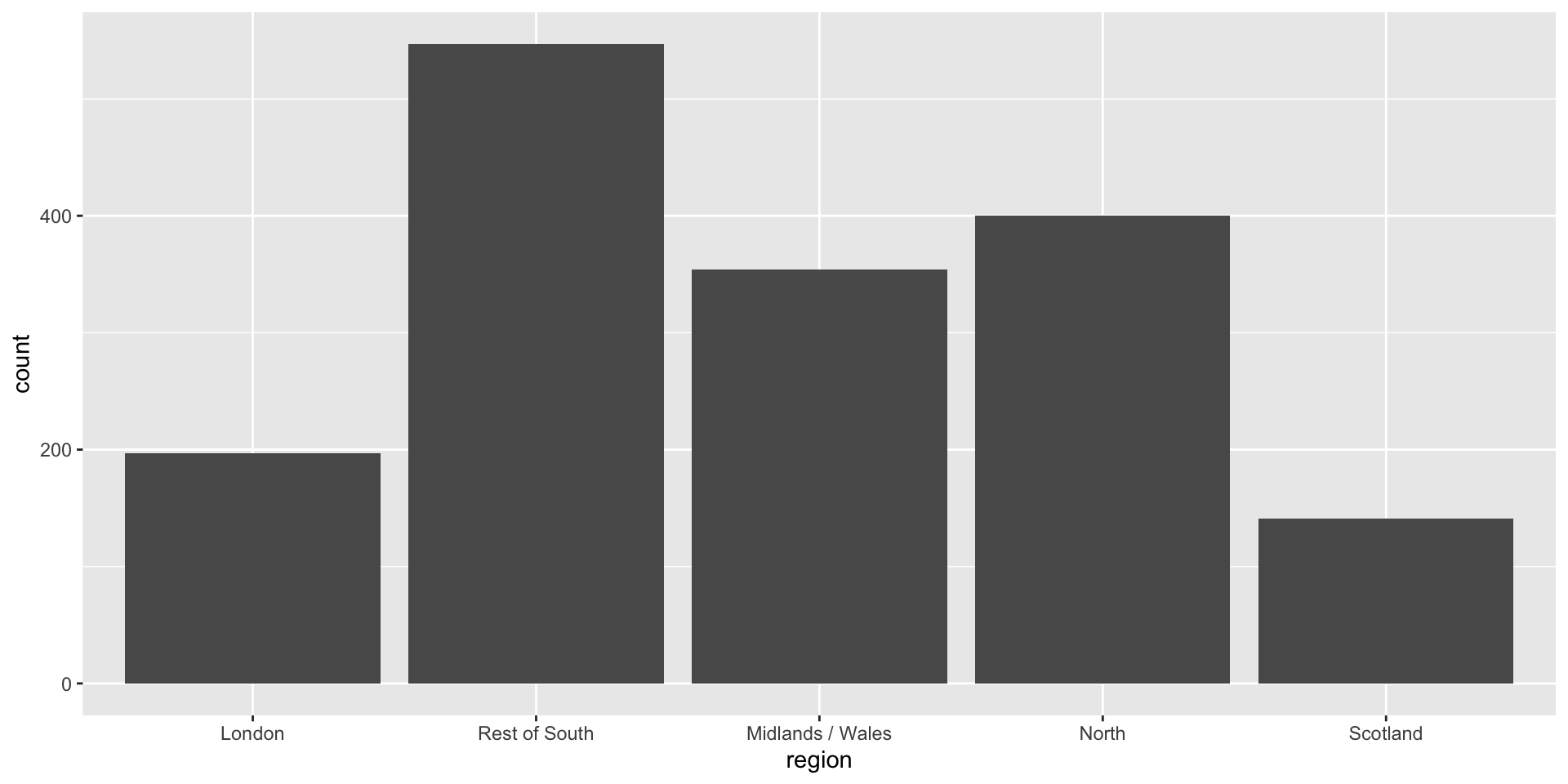
Long categories can be hard to read
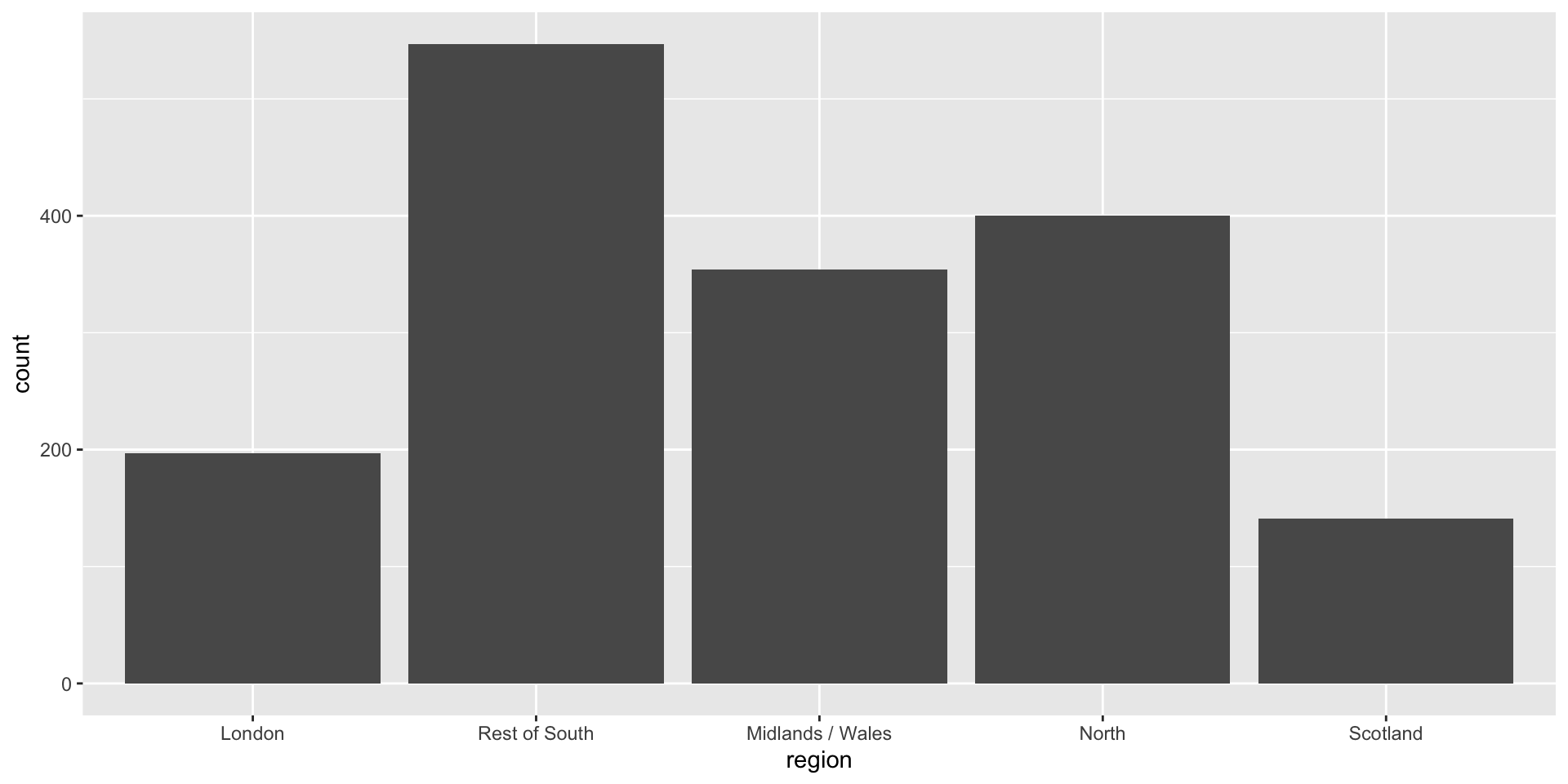
Move them to the y-axis
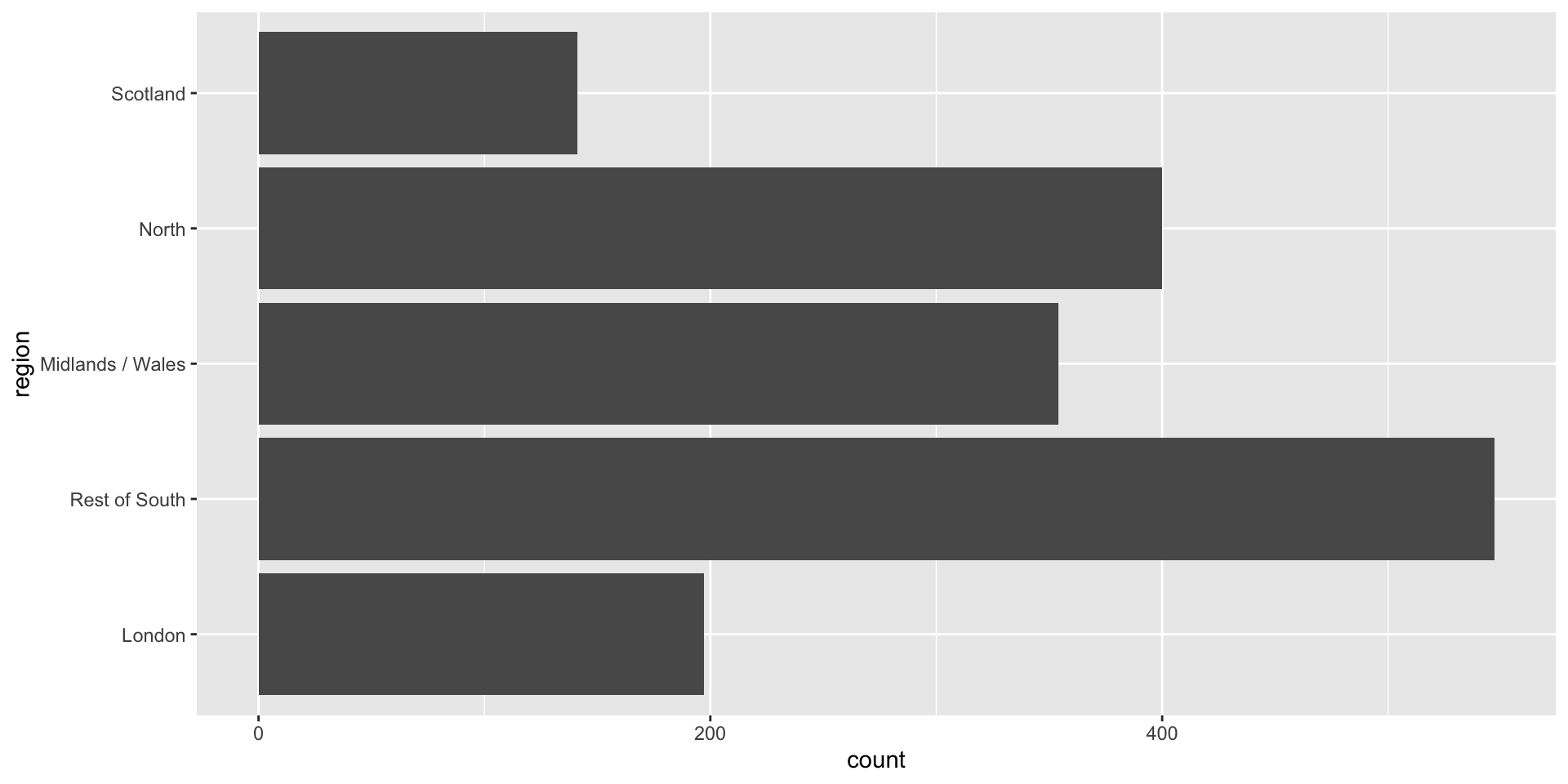
And reverse the order of levels
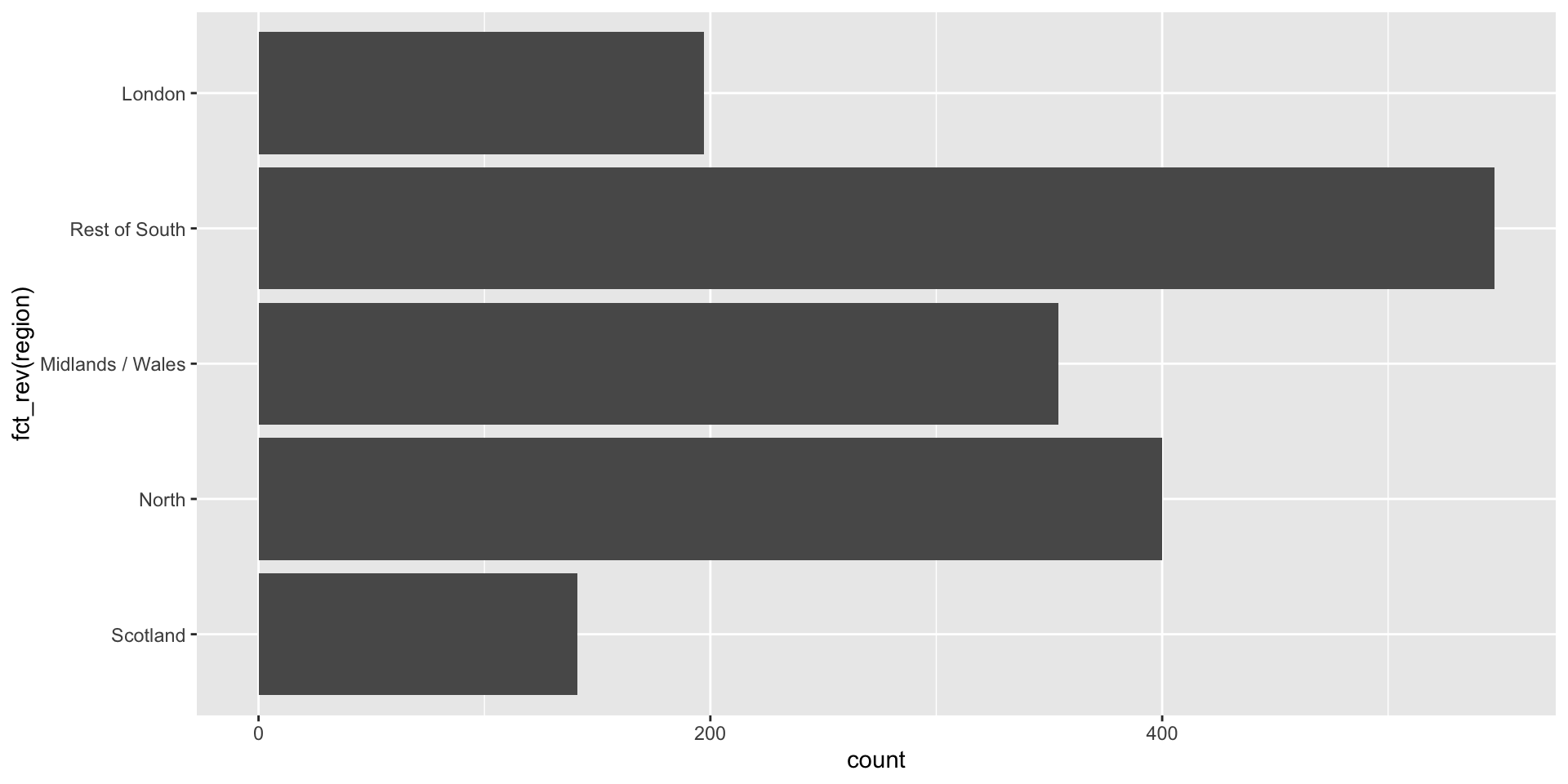
Clean up labels
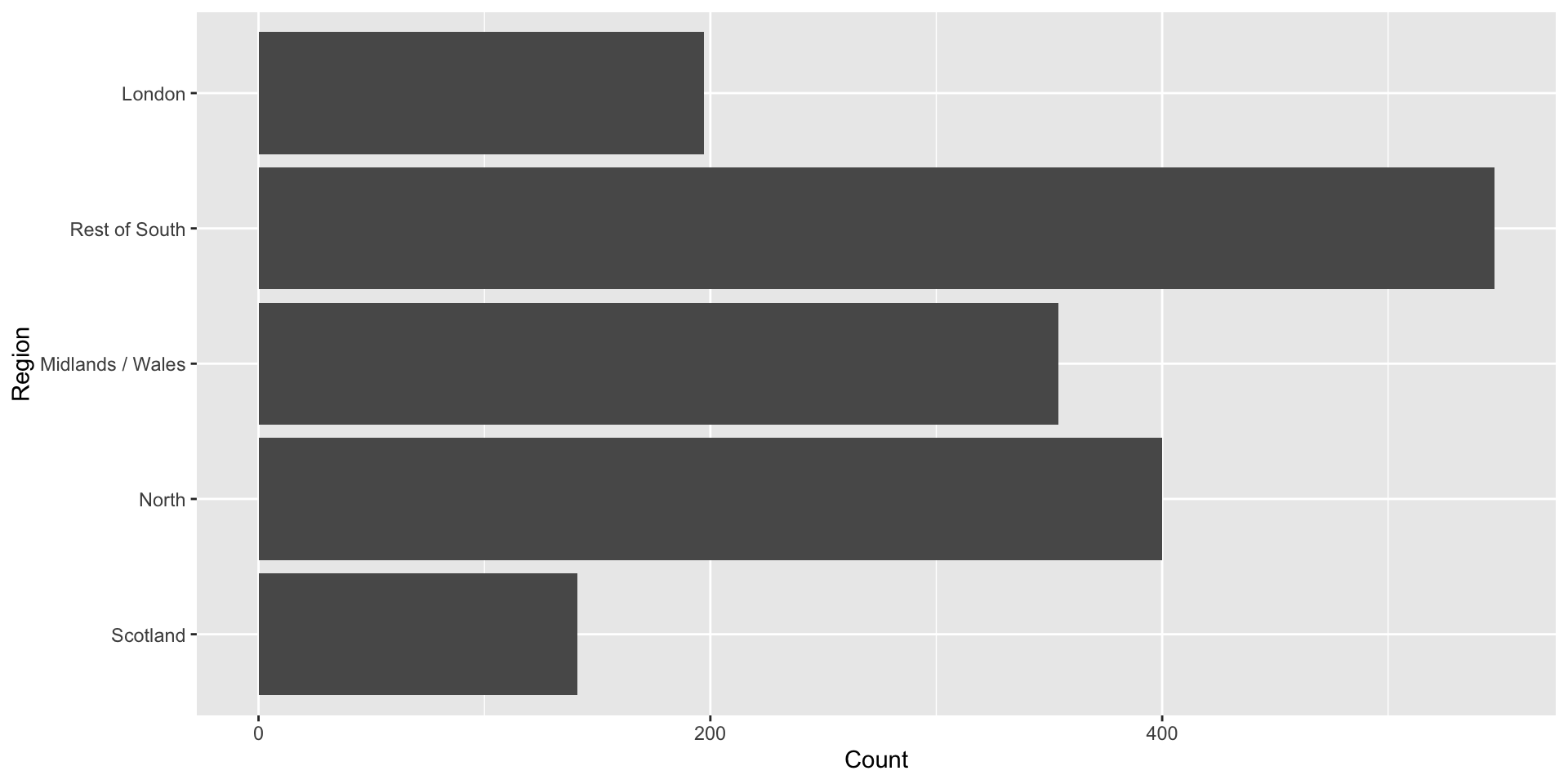
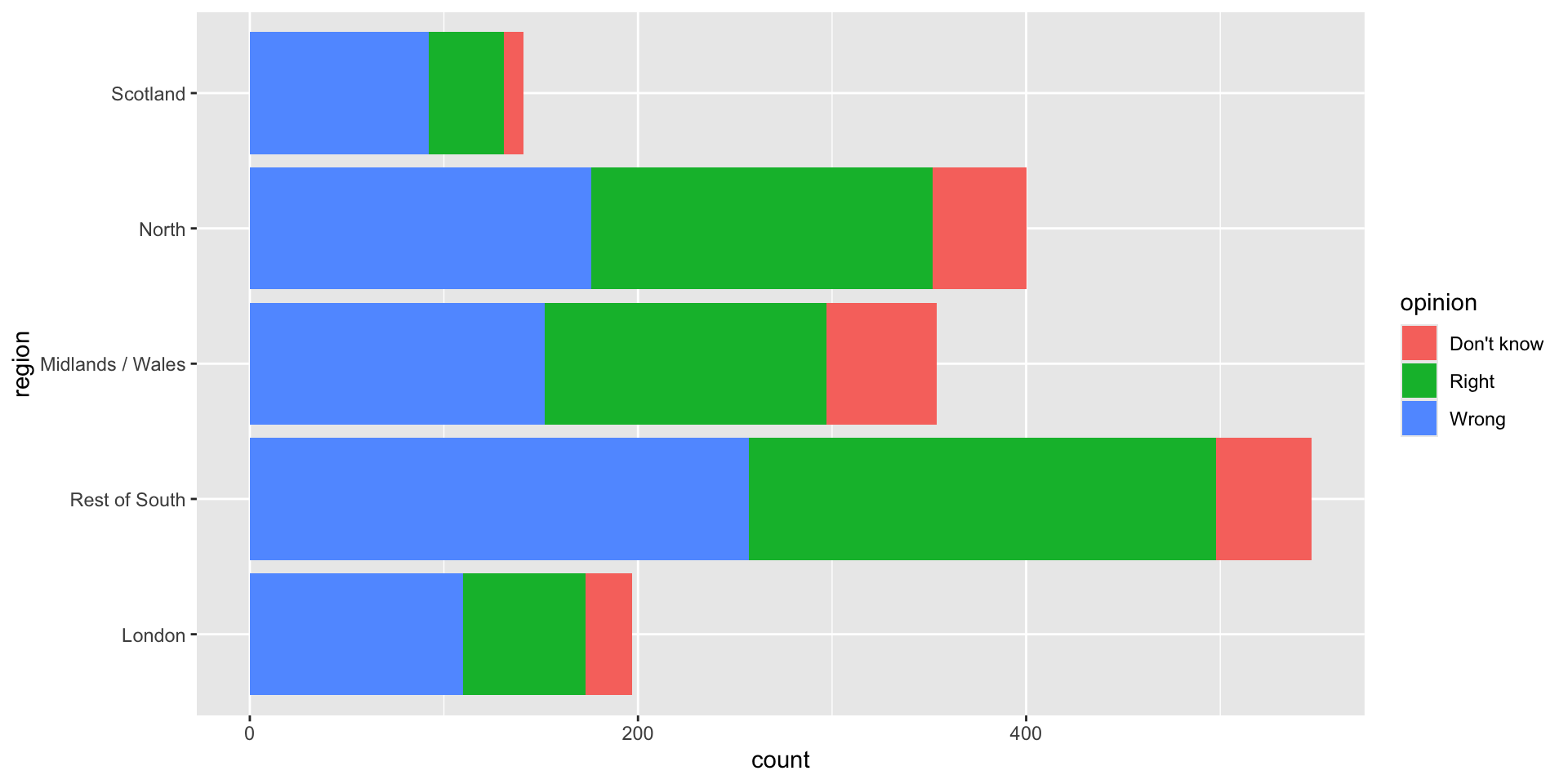
Segmented bar plots can be hard to read
Use facets
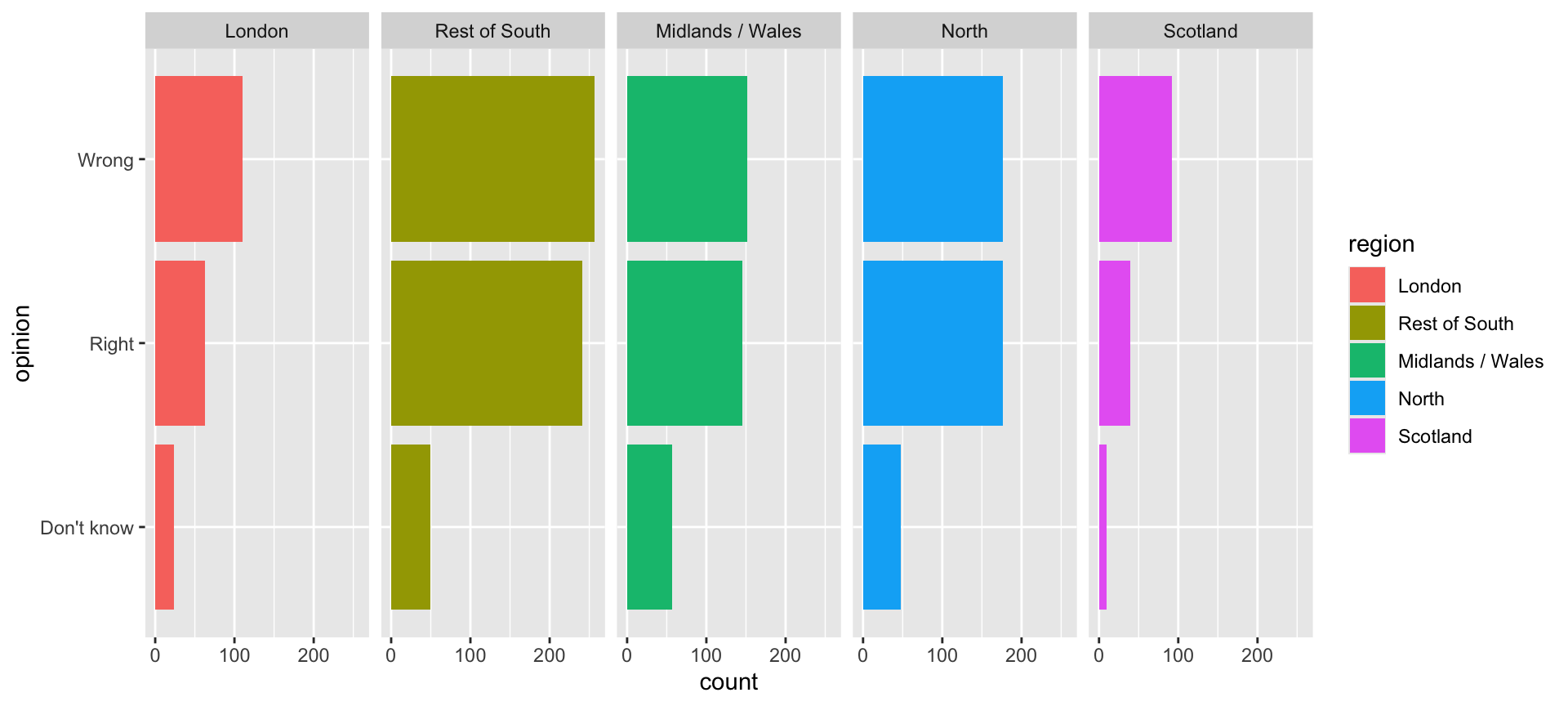
Avoid redundancy?
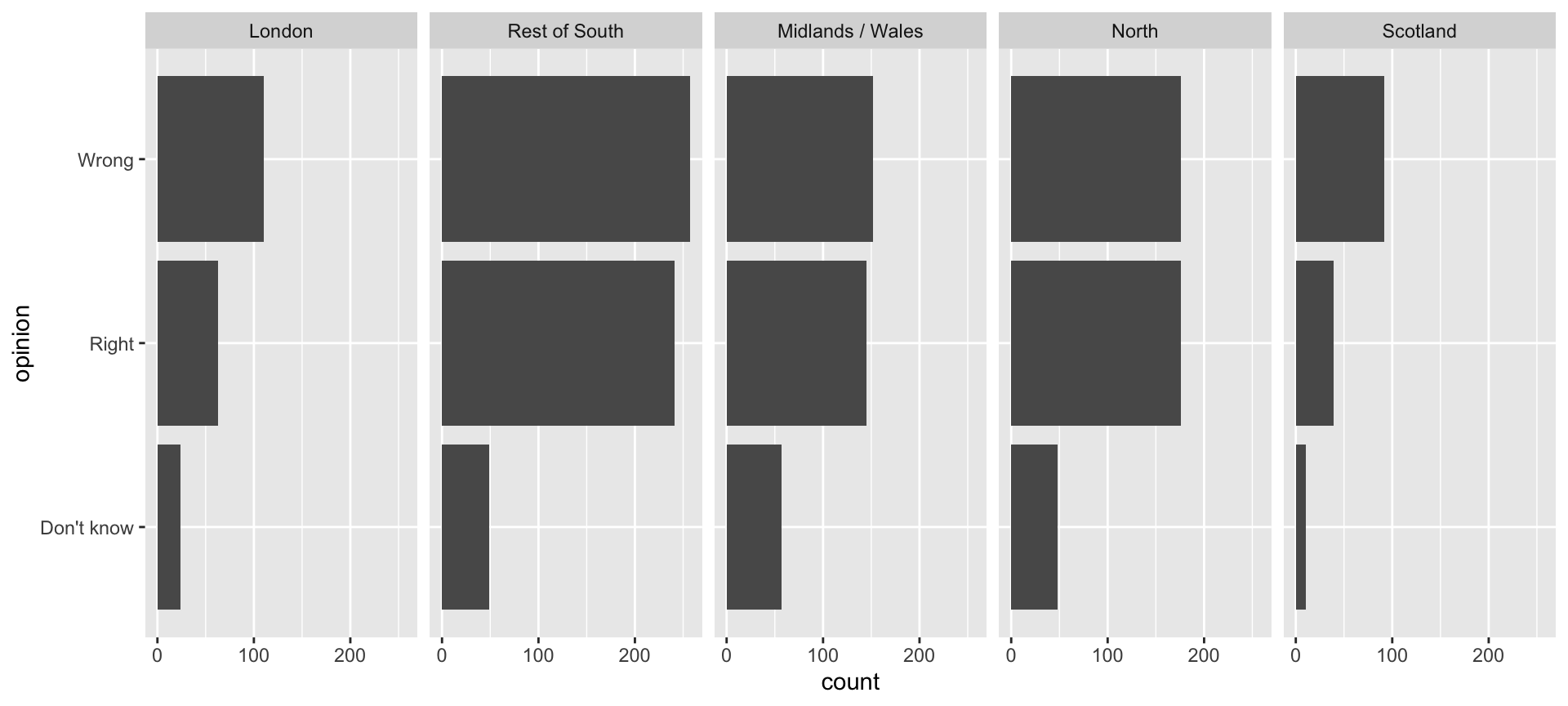
Redundancy can help tell a story
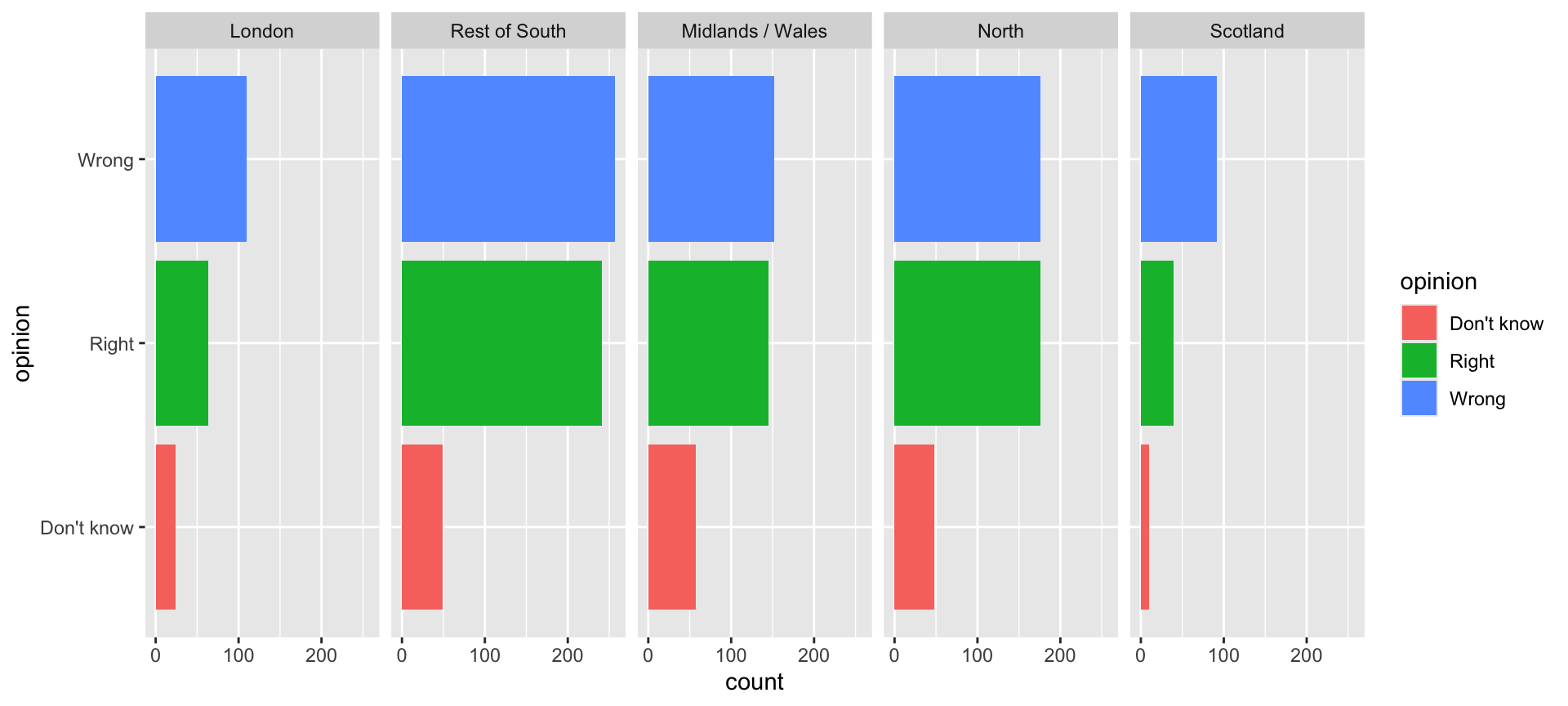
Be selective with redundancy
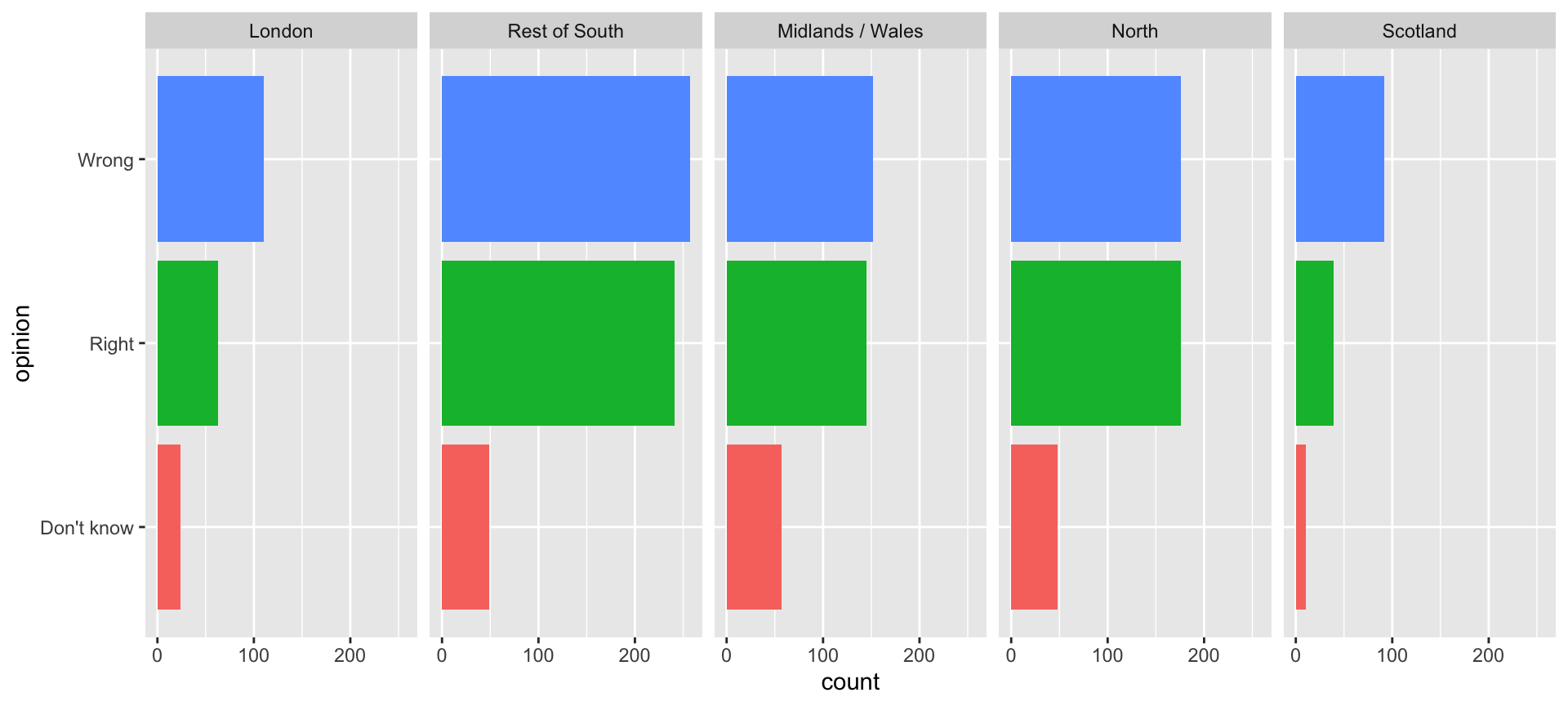
Use informative labels
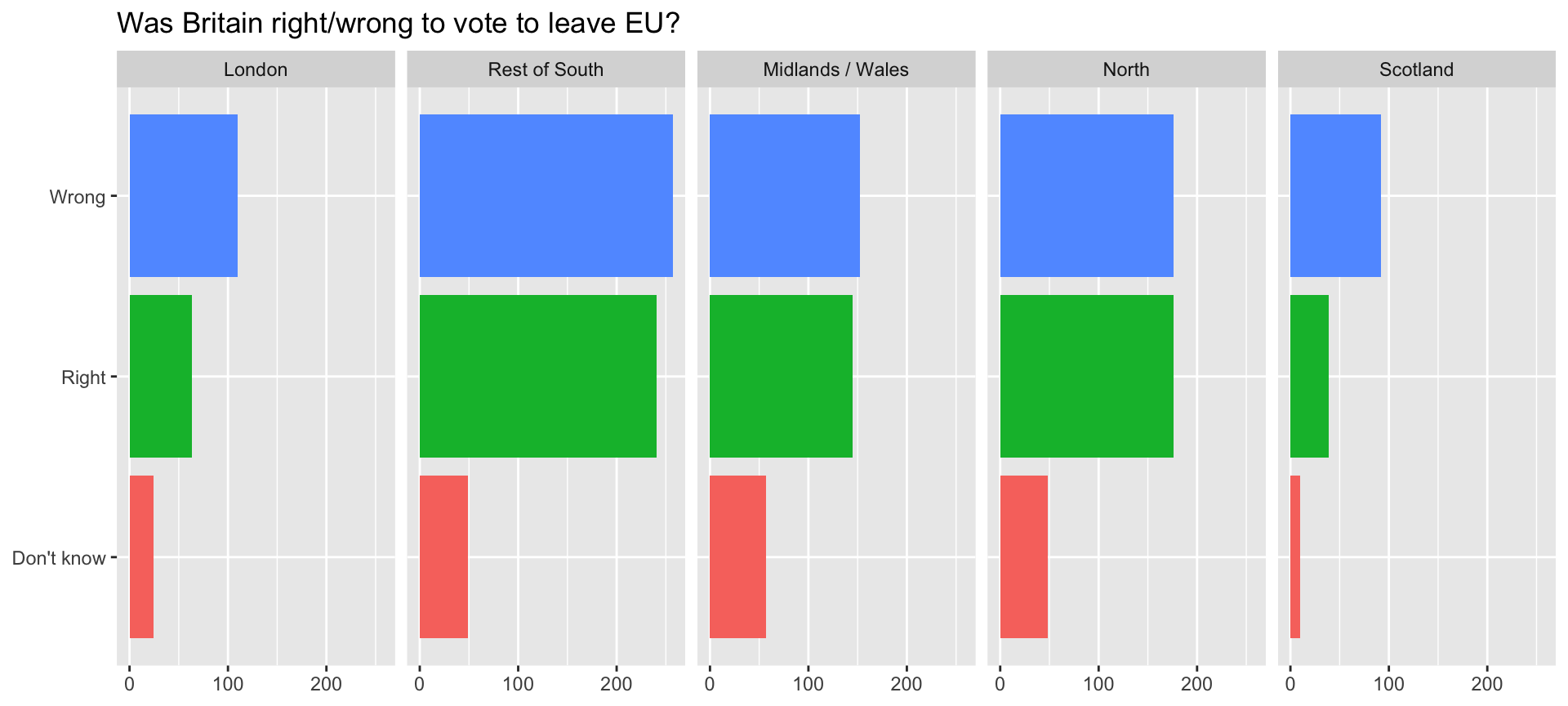
A bit more info
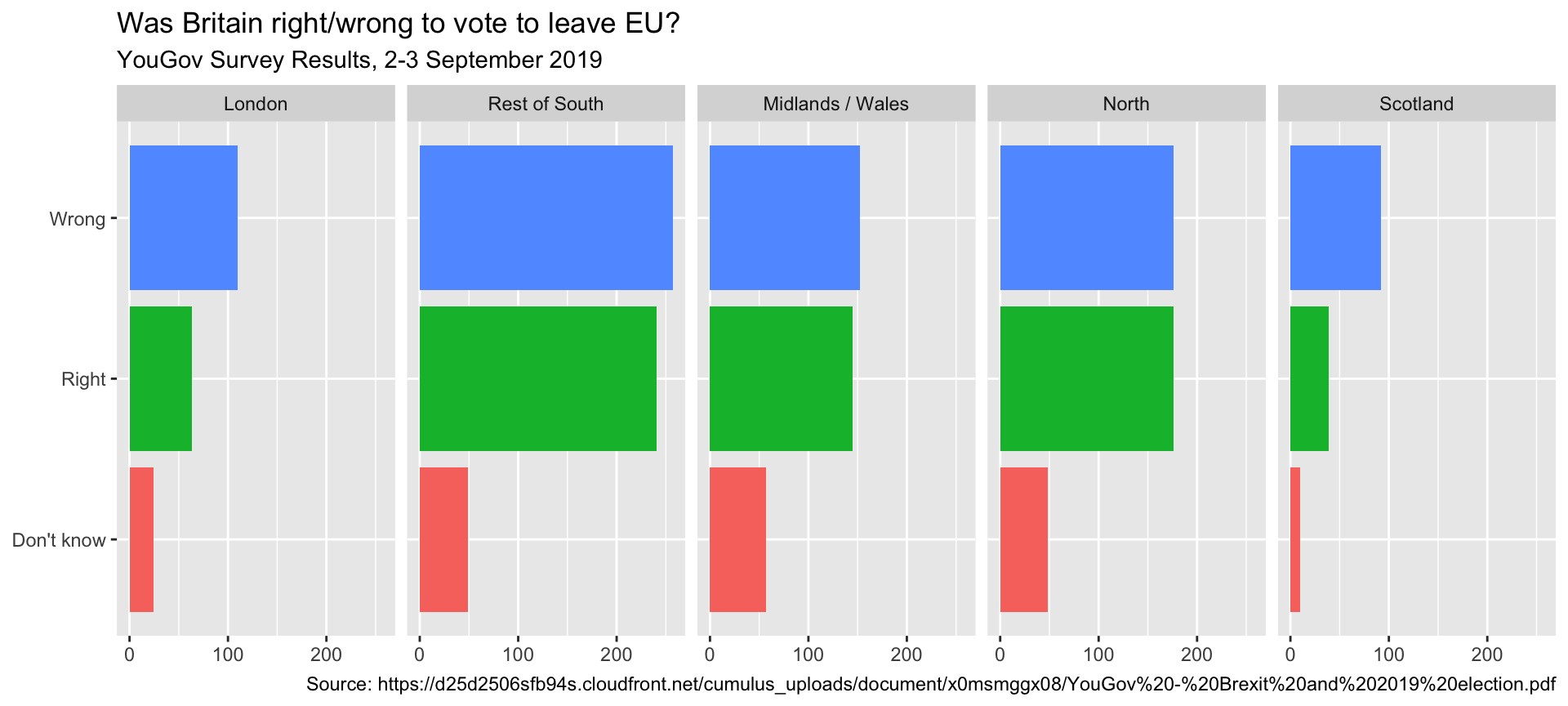
ggplot(brexit, aes(y = opinion, fill = opinion)) +
  geom_bar() +
facet_wrap(~region, nrow = 1) +
guides(fill = "none") +
labs(
title = "Was Britain right/wrong to vote to leave EU?",
subtitle = "YouGov Survey Results, 2-3 September 2019",
caption = "Source: https://d25d2506sfb94s.cloudfront.net/cumulus_uploads/document/x0msmggx08/YouGov%20-%20Brexit%20and%202019%20election.pdf",
x = NULL, y = NULL
)Add a source for our visualization
Let’s do better
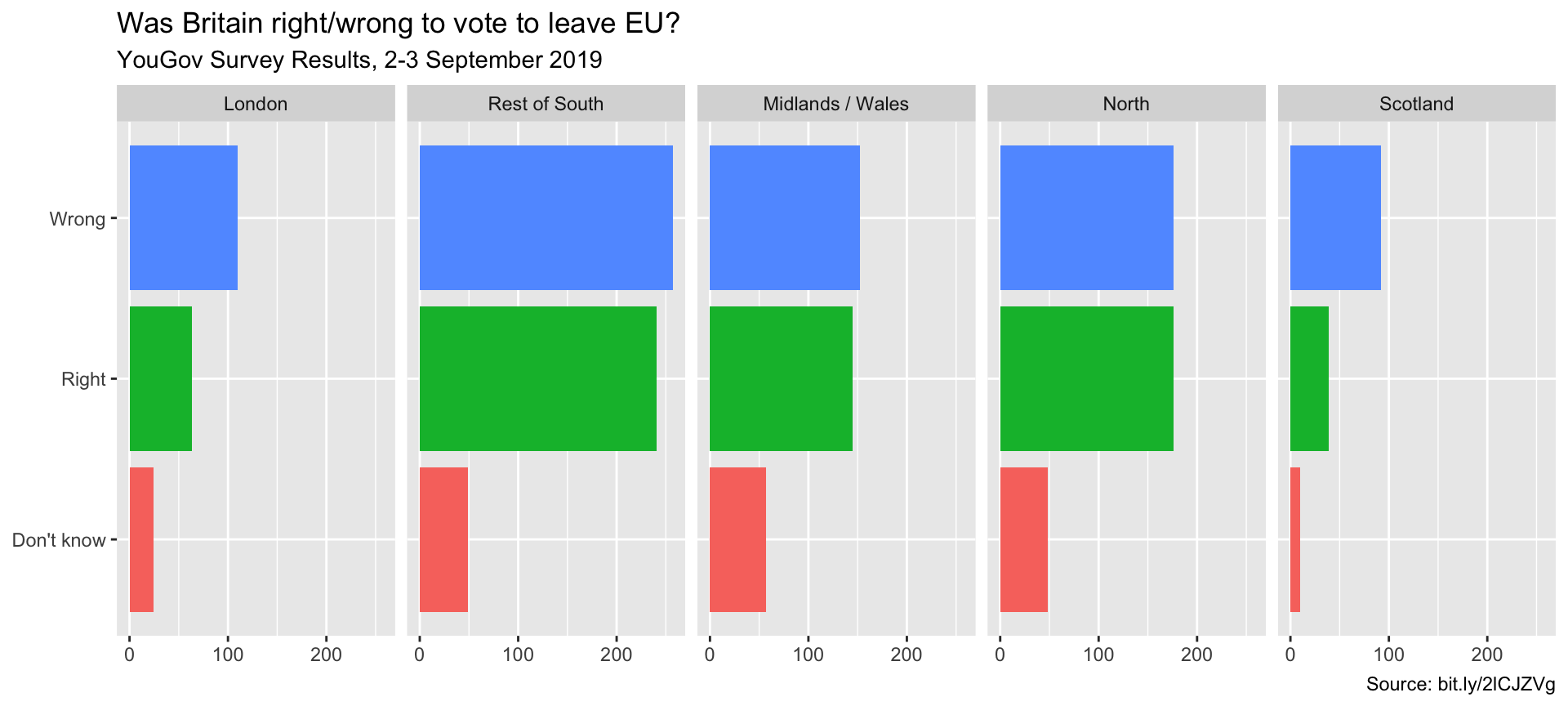
Shorten the URL using bit.ly
Fix up facet labels
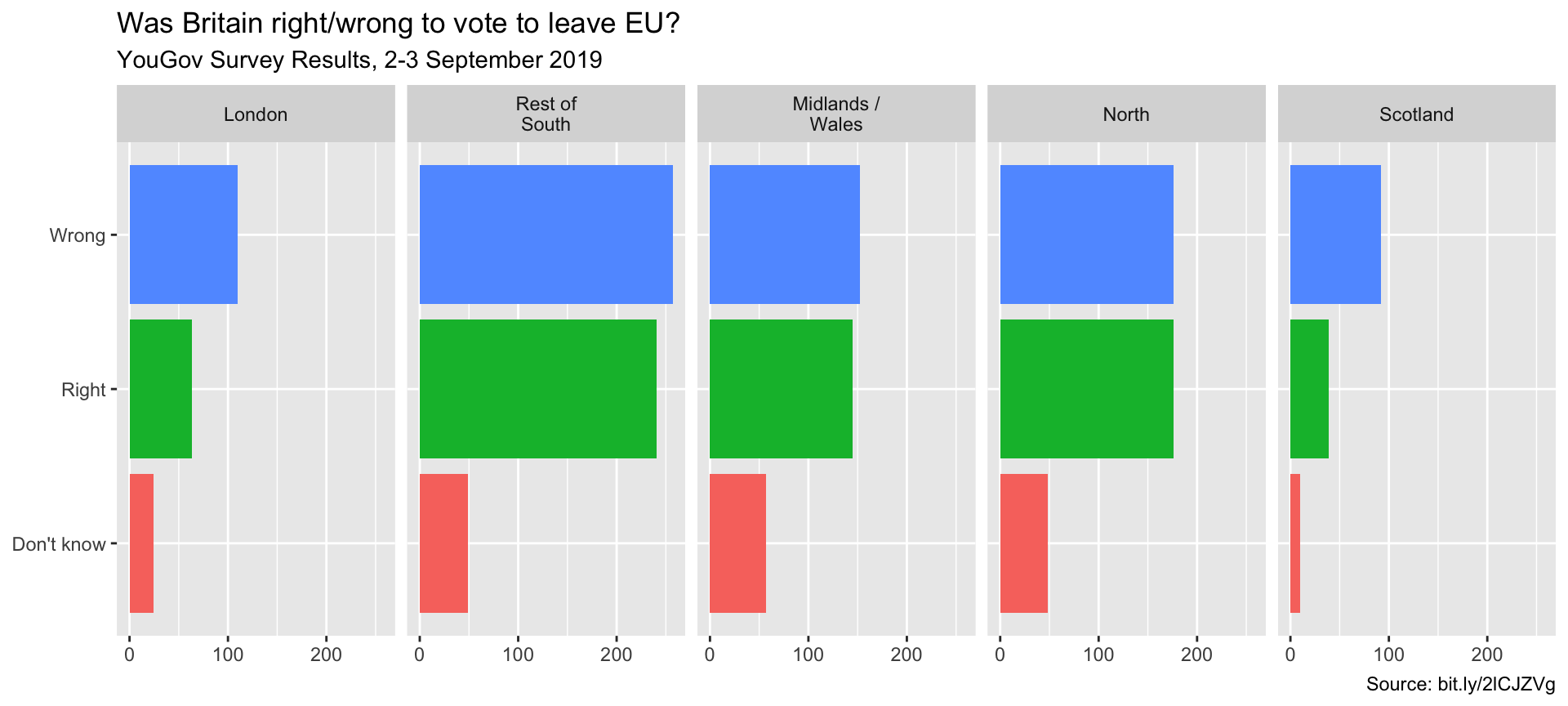
ggplot(brexit, aes(y = opinion, fill = opinion)) +
  geom_bar() +
  facet_wrap(~region,
    nrow = 1,
    labeller = label_wrap_gen(width = 12)
  ) +
  guides(fill = "none") +
  labs(
    title = "Was Britain right/wrong to vote to leave EU?",
    subtitle = "YouGov Survey Results, 2-3 September 2019",
    caption = "Source: bit.ly/2lCJZVg",
    x = NULL, y = NULL
  )
Add the labeller argument to the facet_wrap function
Rainbow colors not always the right choice
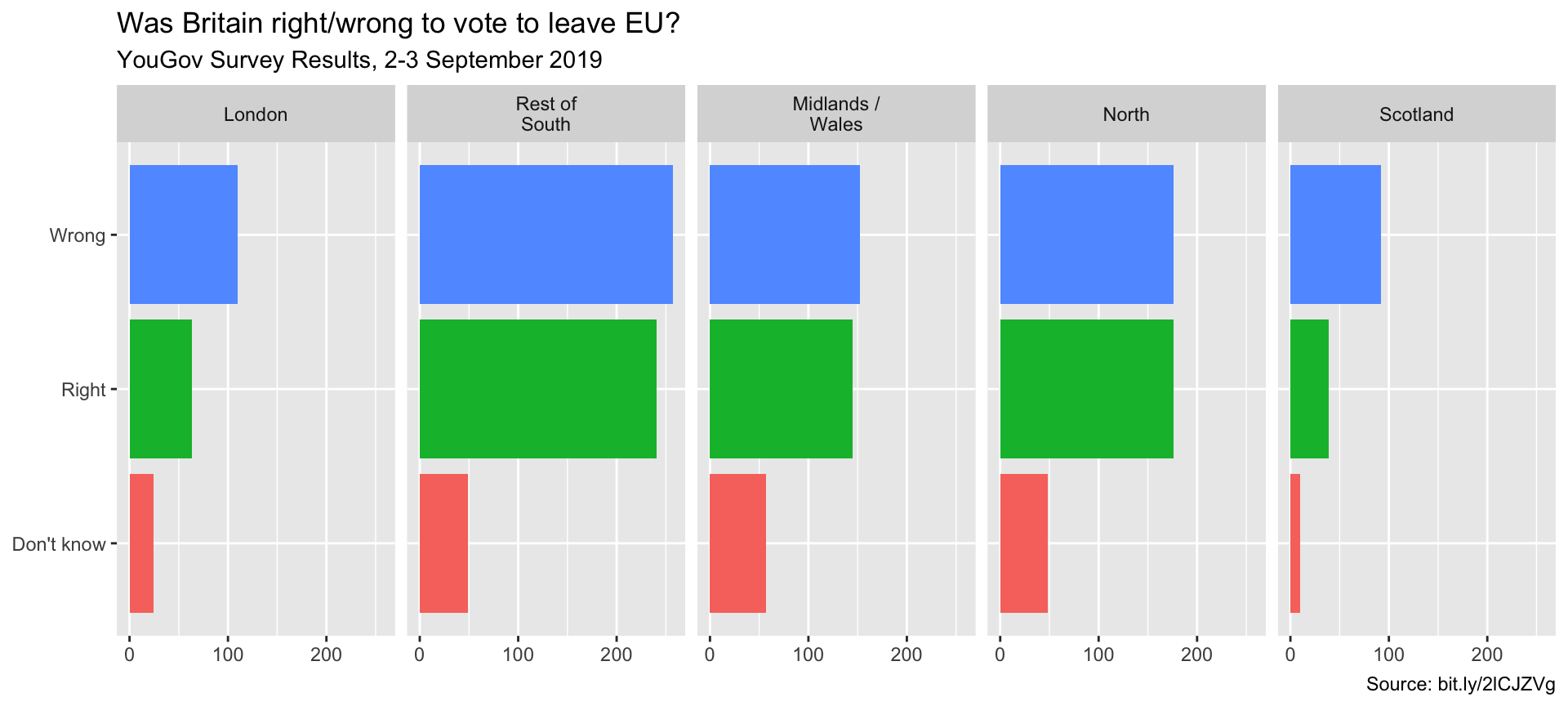
Manually choose colors when needed
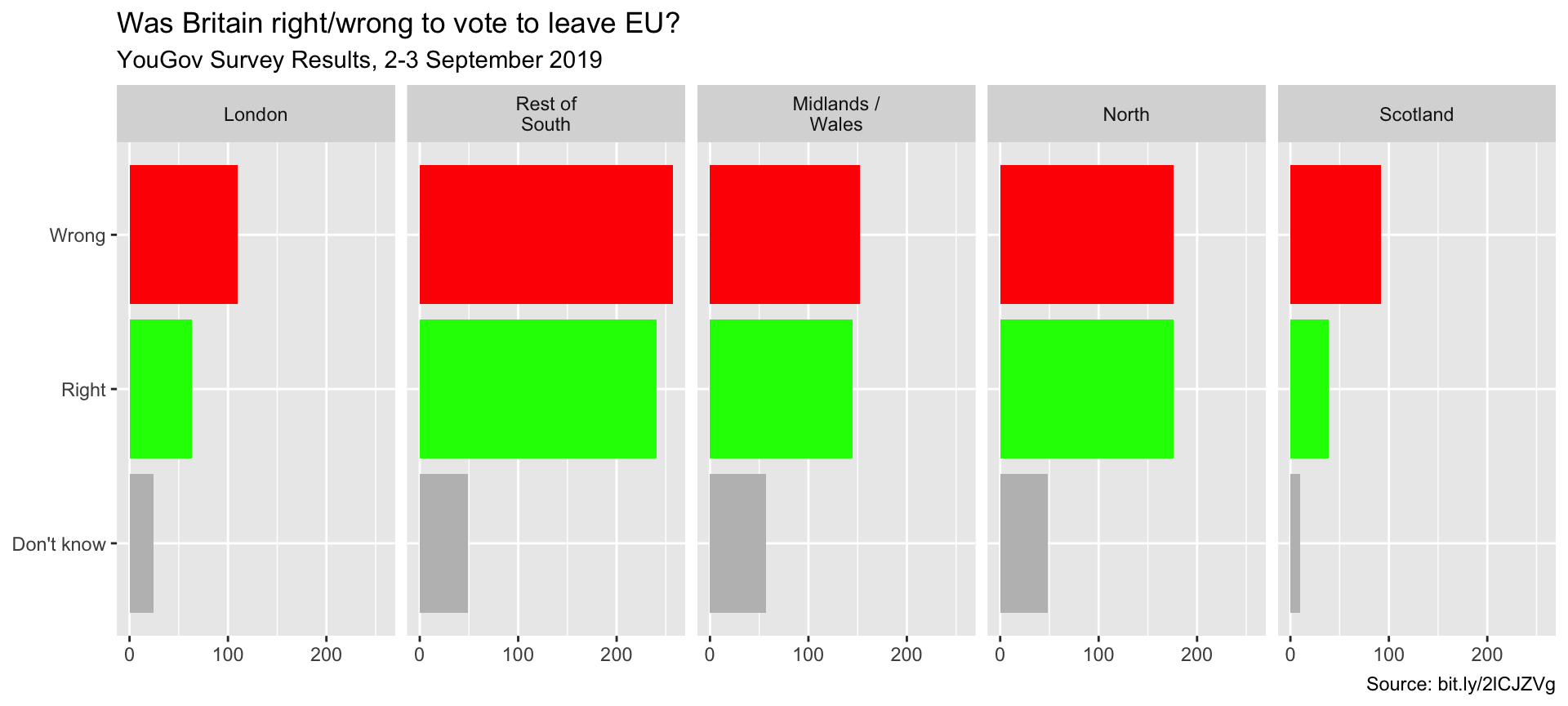
ggplot(brexit, aes(y = opinion, fill = opinion)) +
  geom_bar() +
  facet_wrap(~region, nrow = 1, labeller = label_wrap_gen(width = 12)) +
  guides(fill = "none") +
  labs(title = "Was Britain right/wrong to vote to leave EU?",
       subtitle = "YouGov Survey Results, 2-3 September 2019",
       caption = "Source: bit.ly/2lCJZVg",
       x = NULL, y = NULL) +
  scale_fill_manual(values = c(
    "Wrong" = "red",
    "Right" = "green",
    "Don't know" = "gray"
  ))
Choosing better colors
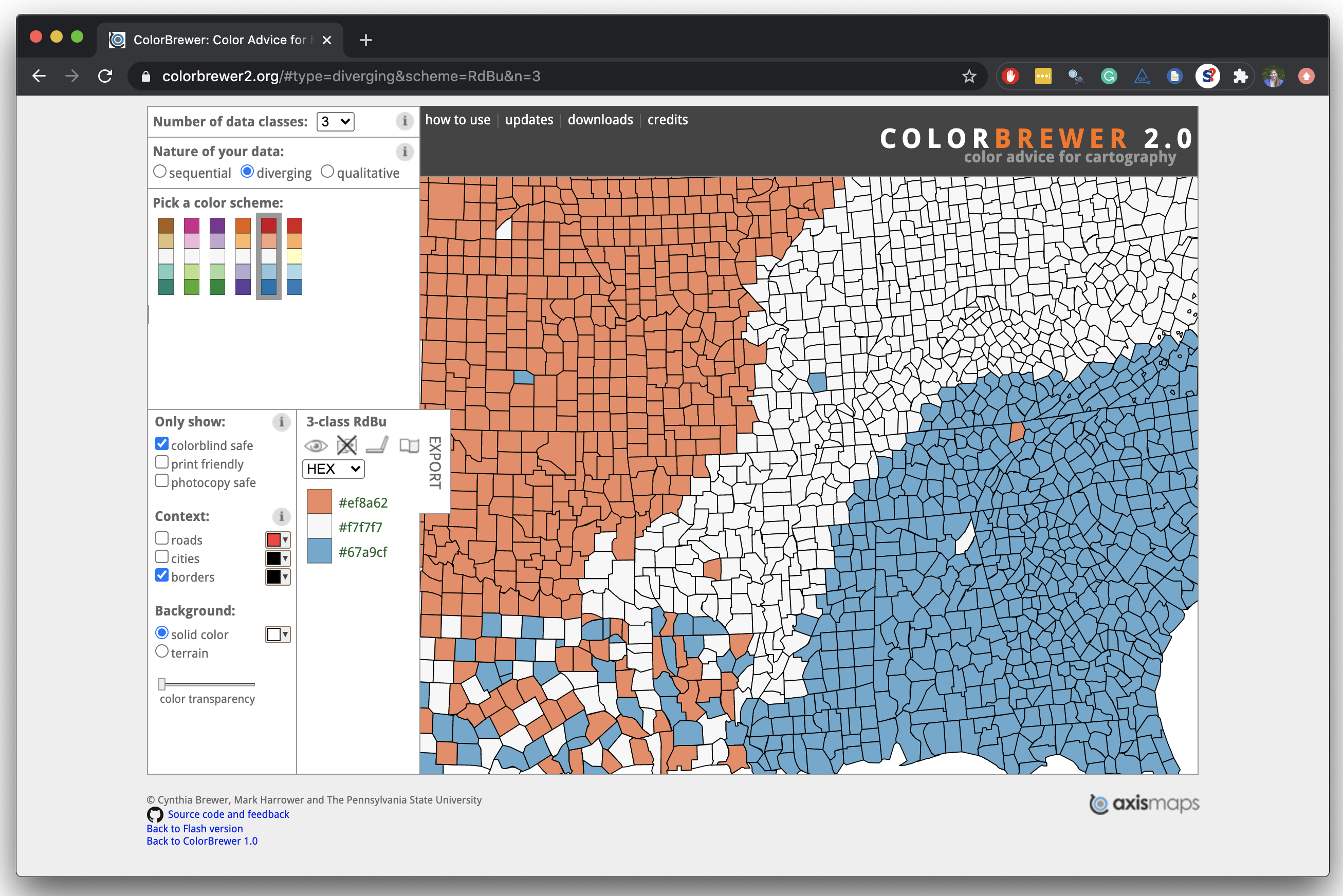
Use better colors
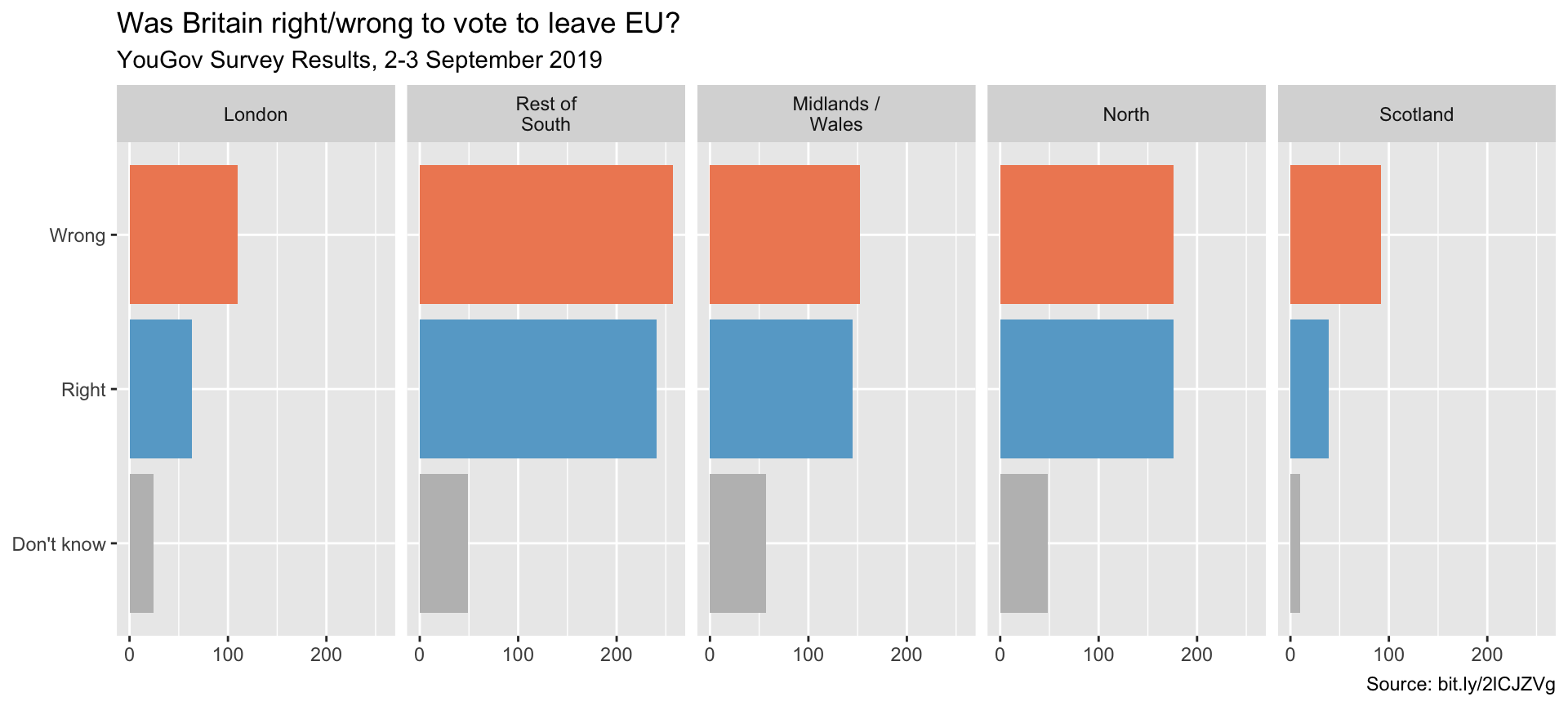
ggplot(brexit, aes(y = opinion, fill = opinion)) +
  geom_bar() +
  facet_wrap(~region, nrow = 1, labeller = label_wrap_gen(width = 12)) +
  guides(fill = "none") +
  labs(title = "Was Britain right/wrong to vote to leave EU?",
       subtitle = "YouGov Survey Results, 2-3 September 2019",
       caption = "Source: bit.ly/2lCJZVg",
       x = NULL, y = NULL) +
  scale_fill_manual(values = c(
    "Wrong" = "#ef8a62",
    "Right" = "#67a9cf",
    "Don't know" = "gray"
  ))
Select theme
ggplot complete themes guide
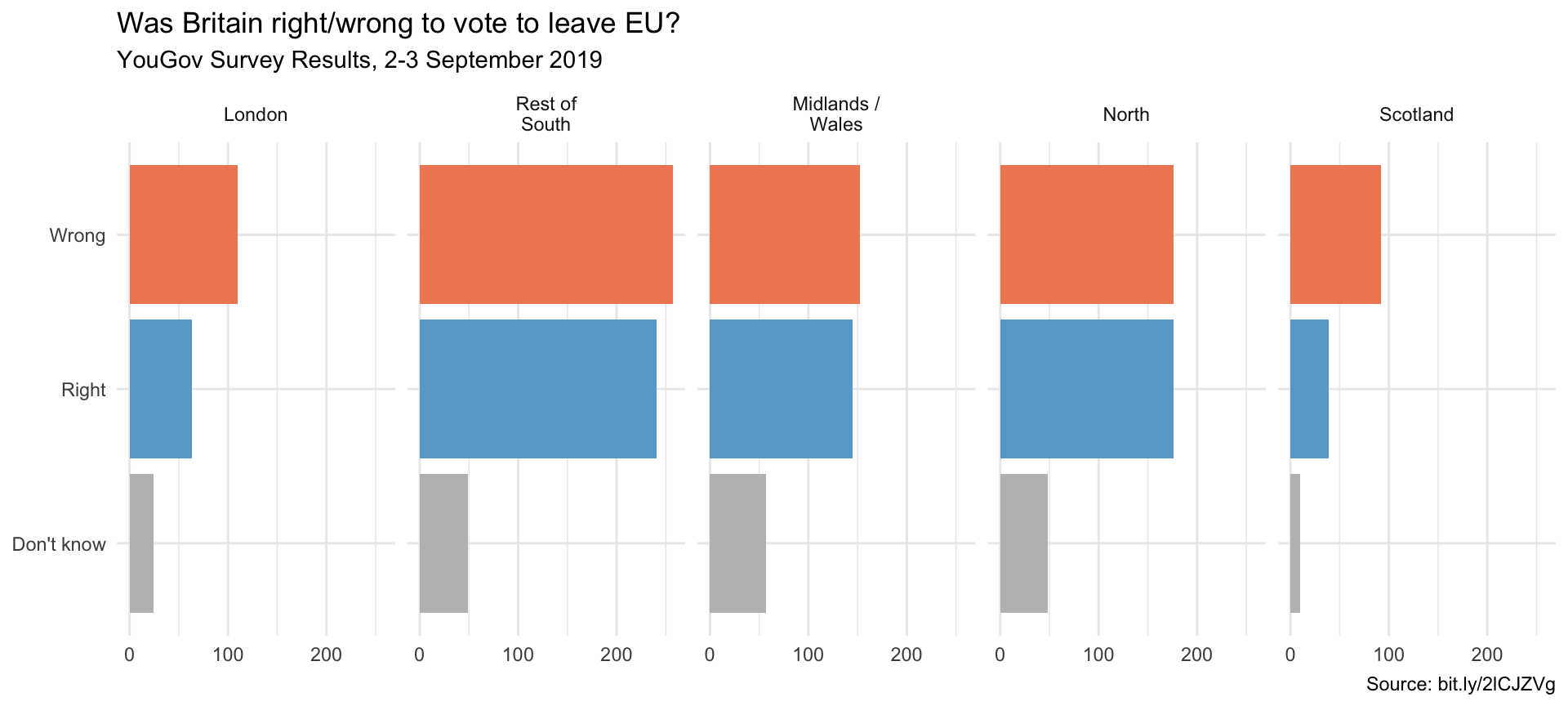
ggplot(brexit, aes(y = opinion, fill = opinion)) +
  geom_bar() +
  facet_wrap(~region, nrow = 1, labeller = label_wrap_gen(width = 12)) +
  guides(fill = "none") +
  labs(title = "Was Britain right/wrong to vote to leave EU?",
       subtitle = "YouGov Survey Results, 2-3 September 2019",
       caption = "Source: bit.ly/2lCJZVg",
       x = NULL, y = NULL) +
  scale_fill_manual(values = c("Wrong" = "#ef8a62",
                               "Right" = "#67a9cf",
                               "Don't know" = "gray")) +
  theme_minimal()